
Contents
VII. Extensibility and Customization Capabilities: GUI Extension Interfaces
It provides resource loading and custom development capabilities to meet the personalized needs of business scenarios.
7.1 File System
The file system module of LVGL is a hardware-independent abstraction layer, whose core purpose is to mask the underlying differences between various storage media (such as SD cards, SPI Flash, local disks) and file systems (such as FATFS, POSIX-compliant file systems), so as to provide a unified file operation interface for upper-layer applications (such as image loading, file reading and writing).
7.1.1 Core Design Concept
- Drive letter identifier: Each mounted file system (e. g., SD card, internal Flash) is assigned a capital Latin letter (e. g.,
S:for SD card,F:for Flash). The file path follows the unified format[letter]:[path](example:S: images/icon.bin), so upper-layer operations do not need to distinguish the underlying storage type. - Implement callbacks on demand: All operations of the file system (read/write/open/directory traversal, etc.) are implemented via "callback functions", and there is no need to implement all callbacks — setting a certain callback to
NULLmeans that the driver does not support this operation (for example, a read-only storage can ignore the write callback). - Cache Optimization: Supports configuring the read cache size to improve the reading efficiency of slow storage media (e. g. SD cards); setting the cache size to 0 will disable the cache.
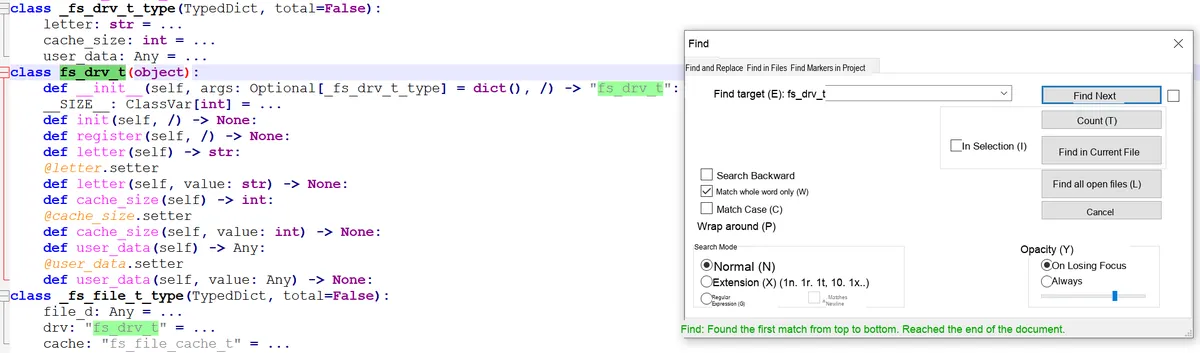
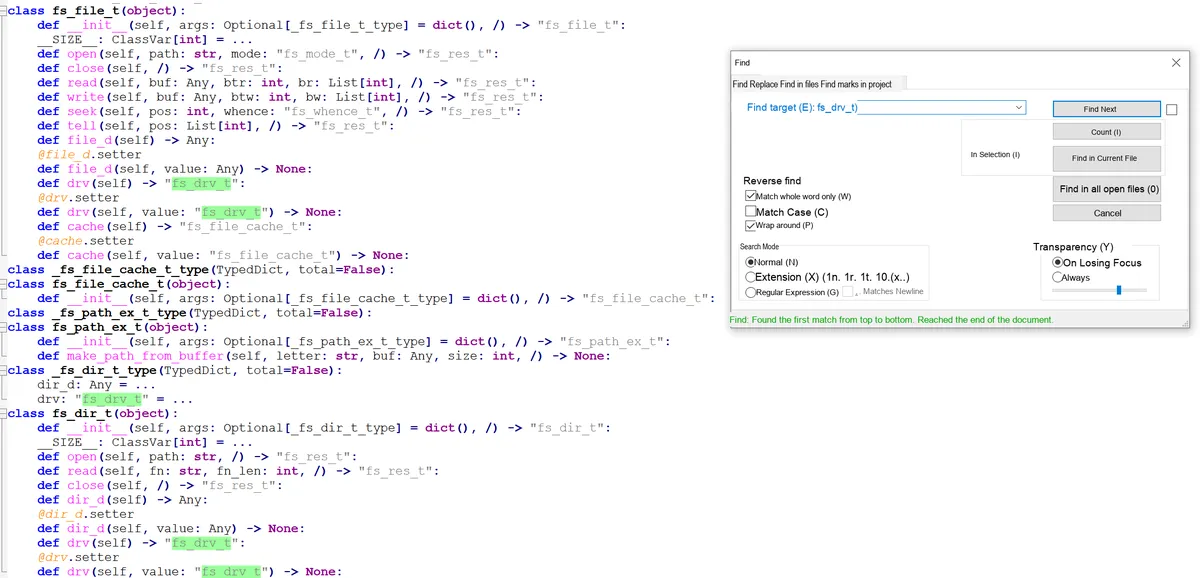
7.1.2 Ready-made Drivers (Out Of The Box)
LVGL comes with built-in drivers adapted for mainstream file systems and platforms, eliminating the need to manually implement core callbacks, which can be directly reused:
- POSIX standard-driven: compatible with Unix-like systems such as Linux and macOS;
- Standard C driver: compatible with general C language file operation interfaces;
- Windows Driver: Adapt to the file system of the Windows platform;
- FATFS Driver: Adapts to the FATFS file system commonly used in embedded scenarios (e. g., SD cards, USB flash drives).
7.1.3 Add Custom File System Driver
If the built-in driver cannot meet the requirements (e. g. the SPI Flash file system adapted to the MPY platform), you need to manually register a custom driver, and the core process is as follows:
7.1.3.1 Driver Structure Initialization
You need to first create a driver struct (which shall be allocated globally or statically to avoid invalidation caused by the destruction of local variables) and complete the basic initialization:
- Config Drive Letter: Specify the identifier letter corresponding to this file system (e. g.,
'S'); - Configure cache size: Set the number of bytes for the read cache (0 means the cache is disabled);
- Bind user data: Custom data (such as the hardware handle of a storage device) can be passed in.
7.1.3.2 Bind Core Callback Function
The core capabilities of the driver are implemented by callback functions, which are divided into file operations and directory operations two categories, and can be bound as needed:
| Callback type | Core callbacks | Function description |
|---|---|---|
| Basic ready check | ready_cb | Tells LVGL whether the storage device for this driver is ready (e.g., whether an SD card is inserted) |
| Core file operations | open_cb | Open file: takes the "path with the driver letter removed" + "open mode (read / write)" and returns a file object pointer (used by subsequent operations) |
| close_cb | Close file: releases the resources acquired when the file was opened | |
| read_cb | Read file: reads a specified number of bytes from an opened file | |
| write_cb | Write file: writes a specified number of bytes to an opened file | |
| seek_cb | Move file pointer: adjusts the file read/write position | |
| tell_cb | Get file pointer position: returns the offset of the current read/write pointer in the file | |
| Directory operations | dir_open_cb | Open directory: prepares to iterate over directory contents |
| dir_read_cb | Read directory: reads file / subdirectory names in the directory in a loop (a "/" prefix is recommended to mark directories) | |
| dir_close_cb | Close directory: releases the resources used for directory iteration |
7.1.3.3 Register the driver
After completing the structure configuration and callback binding, register the driver with the LVGL kernel, after which you can access this file system via the drive letter.
7.1.4 Core Logic of Callback Function
All callback designs are centered around the "file object", with the core rules as follows:
open_cbis fundamental: it returns a "file object pointer" when a file is opened successfully, and returnsNULLon failure; this pointer will be passed by LVGL to other file callbacks such asread/write/seekas an operation identifier;- Operation result feedback: Callbacks for operations such as write/read will return an "operation result code"(e. g., success/file not found/insufficient permissions) and inform the actual number of bytes completed (e. g., "planned to write 8 bytes, actually wrote 5 bytes" during a write operation);
- Path handling: The paths received by all callbacks are "the part after removing the drive letter"(e. g.
S: file.txtonly passesfile.txt), so no upper-layer processing for the drive letter is required.
7.1.5 Core Usage Logic of the File System
7.1.5.1 File Operation Process (Read/Write)
Regardless of the underlying storage type, the upper-layer operation process remains unified:
- Open a file: specify the drive letter + path + open mode (read-only / write-only / read-write), and check whether the operation result is successful;
- Read/write data: Read/write the specified number of bytes from/to an opened file object, and check the actual number of bytes completed;
- Close the file: release resources to avoid memory leaks.
7.1.5.2 Directory Operation Procedure
Process for traversing directory contents:
- Open the directory: specify the drive letter + directory path;
- Loop reading: Read the file/directory names in the directory line by line until the reading result is empty (no more content);
- Close the directory: Release directory resources.
7.1.5.3 Core Modes / Result Codes
- Open modes:
LV_FS_MODE_RD(read-only),LV_FS_MODE_WR(write-only),LV_FS_MODE_RD | LV_FS_MODE_WR(read-write); - Operation result code:
LV_FS_RES_OKindicates that the operation succeeded, while other codes indicate errors (such as non-existent file or insufficient permissions).
7.1.6 Key Requirements for Image Controls to Use the File System
To make the LVGL image widget load images from files (instead of variables compiled into the program), the following 4 callbacks must be implemented, and none of them can be missing:
open_cb: Open an image file;close_cb: close the image file;read_cb: Reads the content of the image file;seek/tell_cb: Locate the file pointer (random reading of pixel data from different positions of the file is required when loading an image).
7.2 Custom Extensions
- Custom Component (New Widget): Develop dedicated UI elements (such as custom dashboards and charts) based on the LVGL object system, and reuse the capabilities of the core framework.
- Logging system: Supports configurable log levels and custom log output, which is used for debugging porting and troubleshooting runtime issues.
Version Record
Version Number | Modifier | Time | Content |
v1.0 | Li Zisheng | 2026/03/18 | Initialize the document. |