
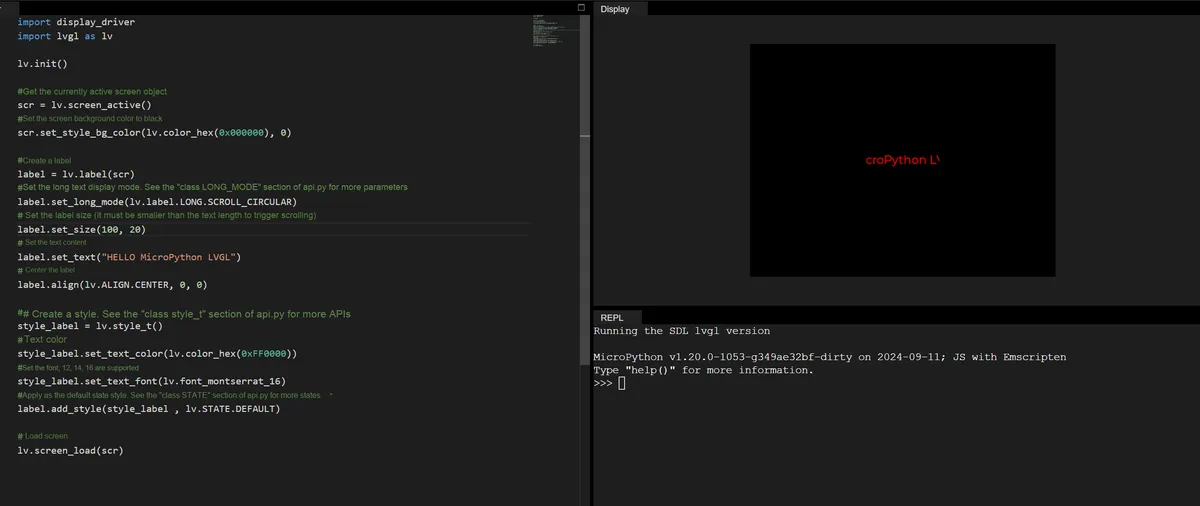
The following code implements a red scrolling text effect on a black background:
- First initialize the LVGL engine and set the screen background to solid black;
- Next, create a label control, configure it with the "circular scrolling" long text display mode (to adapt to scenarios where the text length exceeds the label size), set the label size to 100×20 pixels, set the display text to "HELLO MicroPython LVGL", and make the label display in the center of the screen;
- Then create a custom style, set the text color to red, the font to 16-point Montserrat, and apply this style to the default state of the label; finally, the loading screen finishes rendering, and the final effect is that the red text in the center of the black screen scrolls continuously in a marquee loop.
import display_driver
import lvgl as lv

lv.init()

#Get the currently active screen object
scr = lv.screen_active()
#Set the screen background color to black
scr.set_style_bg_color(lv.color_hex(0x000000), 0)

#Create a label
label = lv.label(scr)
#Set the long-text display mode. For more parameters see the "class LONG_MODE" section of api.py
label.set_long_mode(lv.label.LONG.SCROLL_CIRCULAR)
# Set the label size (must be smaller than the text length to trigger scrolling)
label.set_size(100, 20)
# Set the text content
label.set_text("HELLO MicroPython LVGL")
# Center the label
label.align(lv.ALIGN.CENTER, 0, 0)

##Create a style. For more APIs see the "class style_t" section of api.py
style_label = lv.style_t()
#Text color
style_label.set_text_color(lv.color_hex(0xFF0000))
#Set the font; supports 12, 14, 16
style_label.set_text_font(lv.font_montserrat_16)
#Apply as the default state style. For more states see the "class STATE" section of api.py
label.add_style(style_label , lv.STATE.DEFAULT)

# Load the screen
lv.screen_load(scr)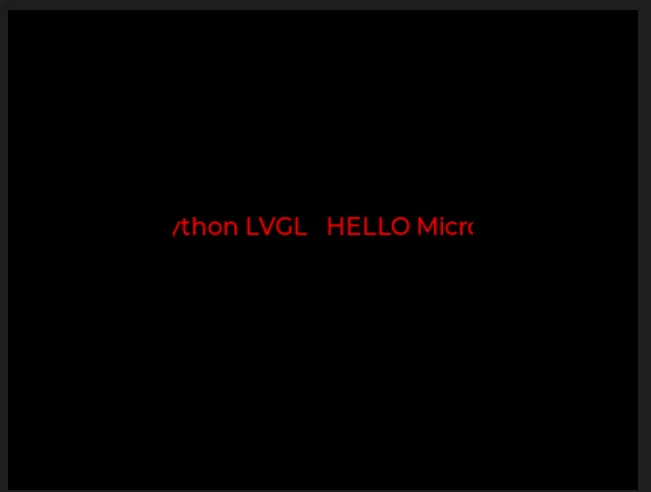
5.1 Modify Different Long Text Display Modes
5.1.1 WRAP (Word Wrap Mode)
When the text length exceeds the label width, it will automatically wrap to the next line to fully display all text content (no clipping or scrolling).
label.set_long_mode(lv.label.LONG.WRAP) 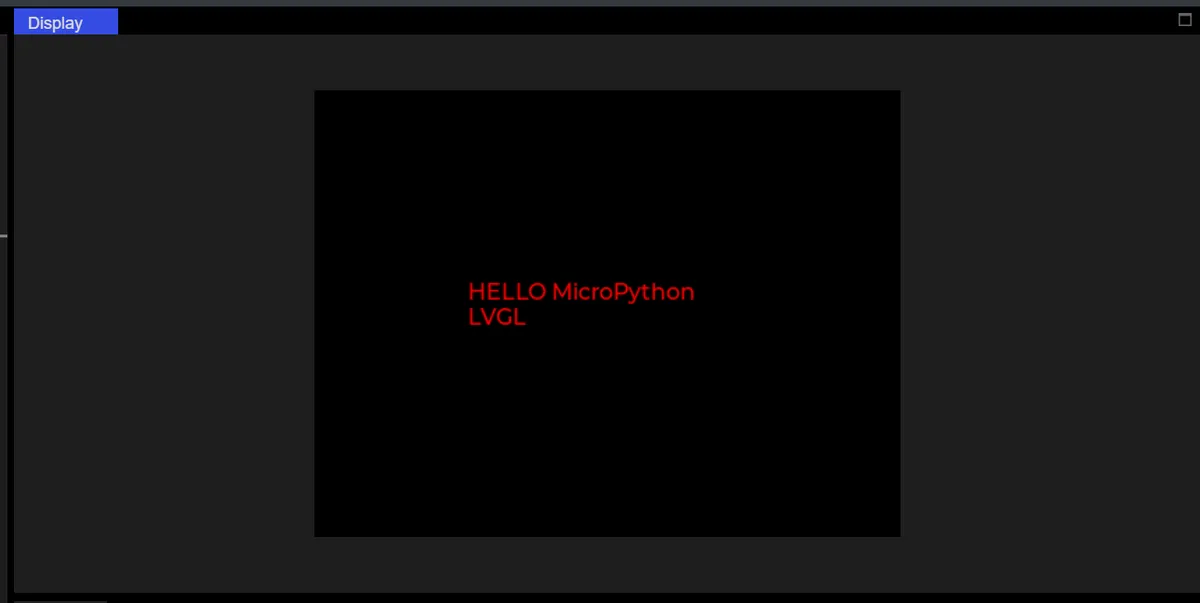
5.1.2 SCROLL Springback Scroll Mode
When the text length exceeds the label width, it will scroll cyclically according to the following rules:
- Step 1 (Left Shift): The text starts from its initial position and scrolls left until the end of the text is fully displayed within the tag (reaching the leftmost end);
- Step 2 (Shift Right): Then it will automatically scroll rightward to return to the initial position of the text (shift right back to the starting point);
- Looping back and forth: After that, the process of "shifting left to the end → shifting right back to the starting point" will be repeated continuously, creating a "scrolling back and forth" effect.
label.set_long_mode(lv.label.LONG.SCROLL) 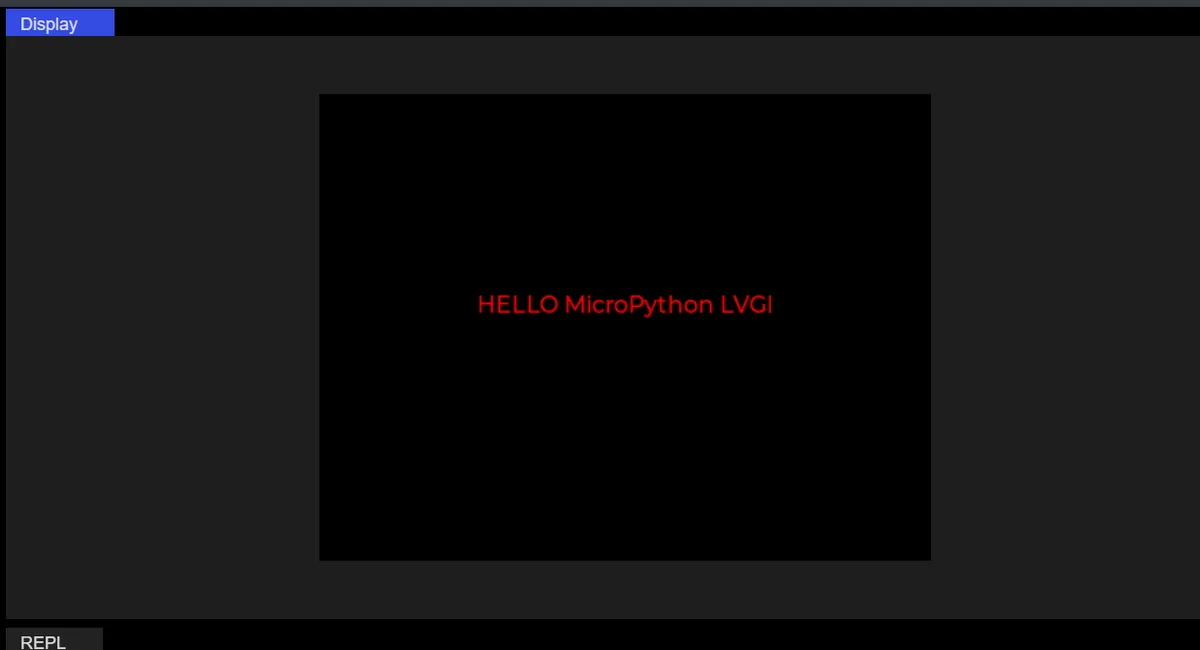
5.1.3 DOT (Ellipsis Mode)
When the text length exceeds the label width, an ellipsis (. ..) will be displayed at the end, indicating that there is still undisplayed content, with no line wrapping or scrolling.
label.set_long_mode(lv.label.LONG.DOT)
label.set_size(100, 50)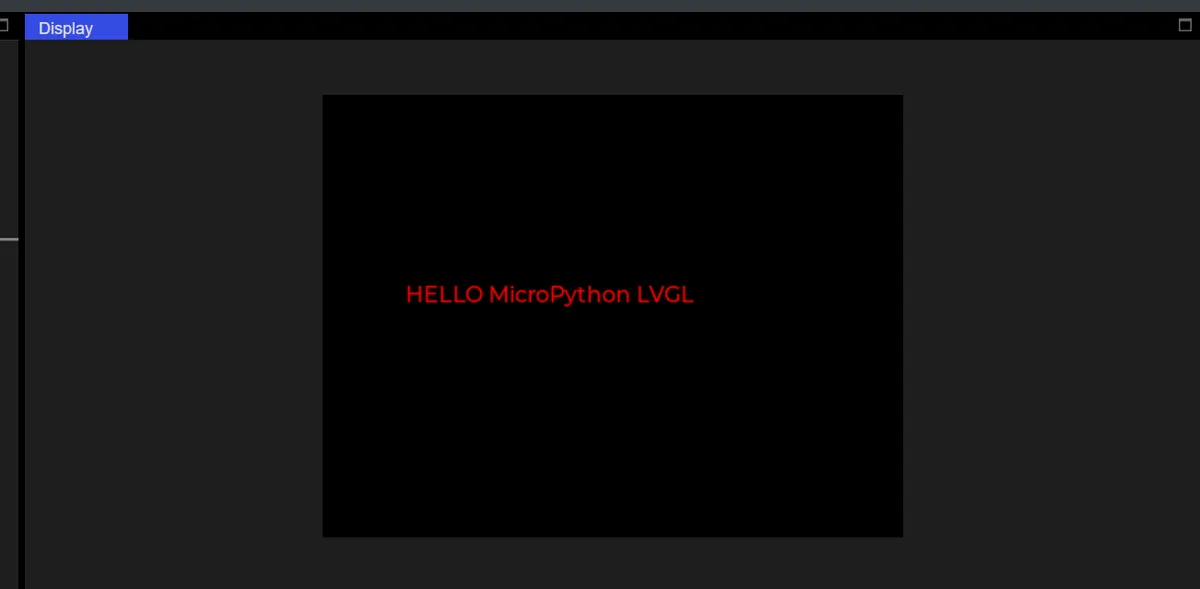
5.1.4 CLIP (Cropping Mode)
When the text length exceeds the label width, the excess part will be directly cropped without displaying any additional marks (such as an ellipsis), and the excess part will be completely invisible.
label.set_long_mode(lv.label.LONG.CLIP)
label.set_size(100, 50)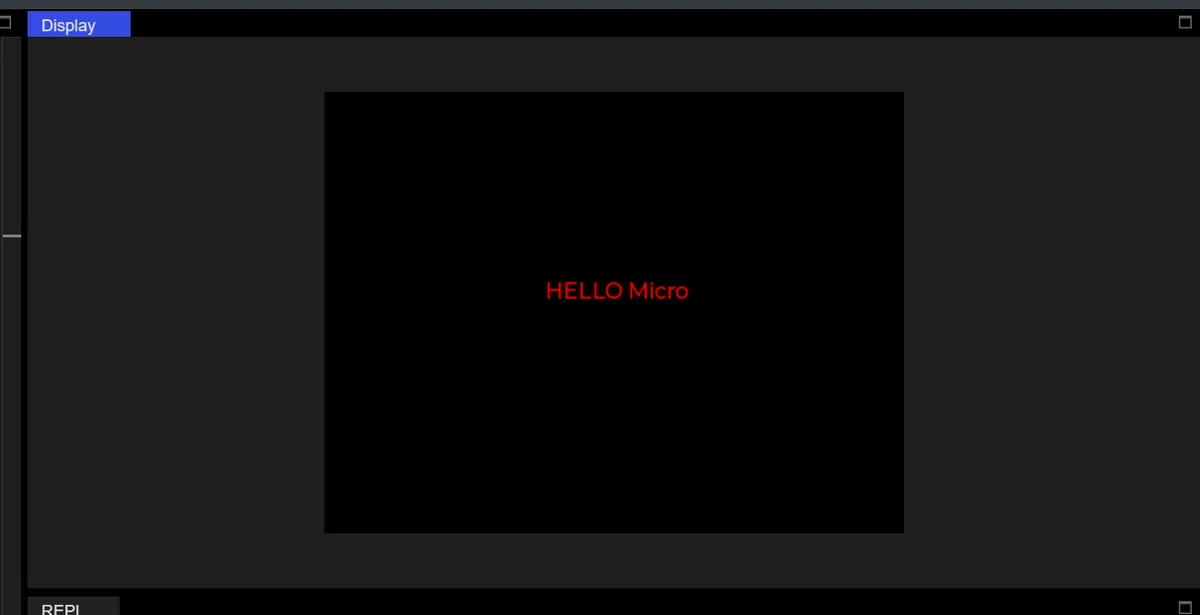
5.2 Set Font
First, run the following code, which will print out all the font names built into LVGL, and these names are directly available for use:
import display_driver
import lvgl as lv

lv.init()

# Print all attributes starting with "font_" (i.e. all built-in fonts)
font_list = [attr for attr in dir(lv) if attr.startswith("font_")]
print("可用字体列表:", font_list)
style_label.set_text_font(lv.font_montserrat_14)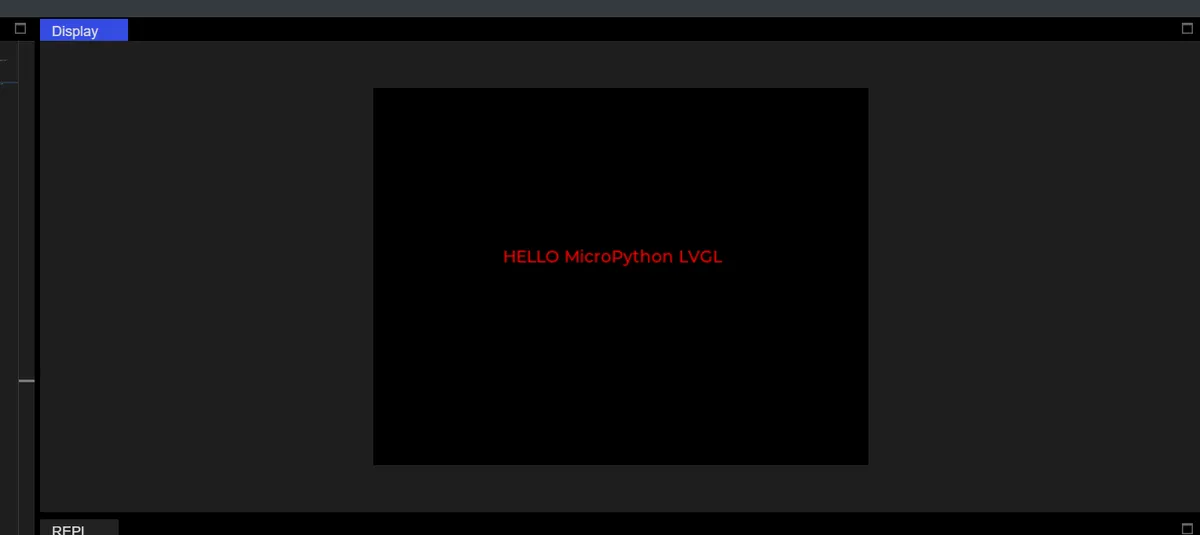
style_label.set_text_font(lv.font_montserrat_24)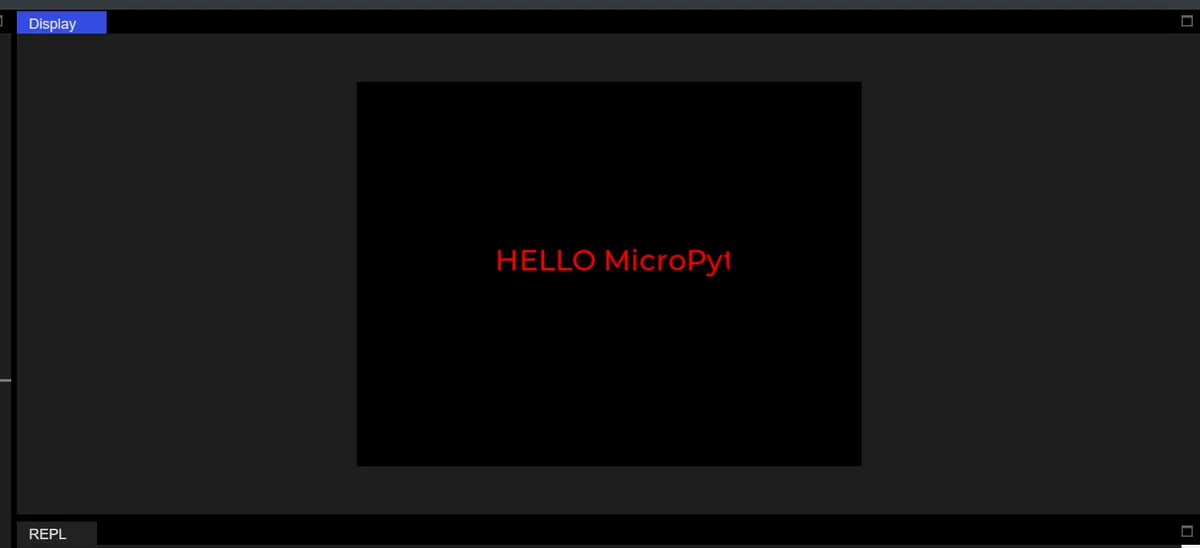
5.3 Set Font Color
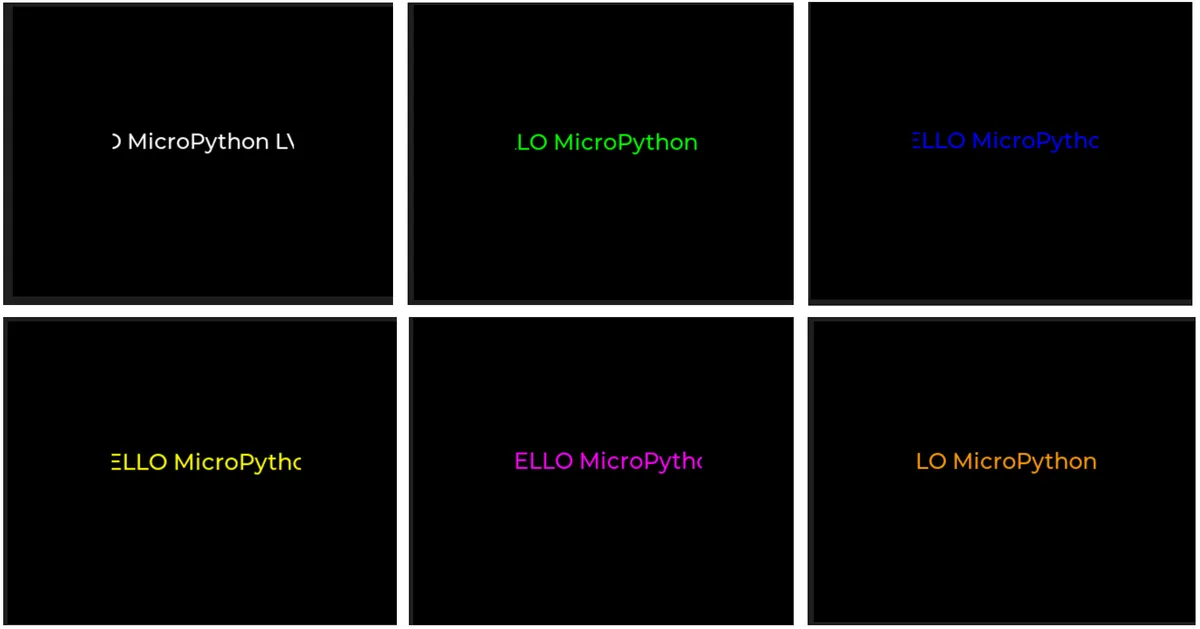
| Color name | Hexadecimal value | Code syntax | Effect |
|---|---|---|---|
| Pure black | 0x000000 | lv.color_hex(0x000000) | Screen background color |
| Pure white | 0xFFFFFF | lv.color_hex(0xFFFFFF) | Most eye-catching on a black background |
| Pure red | 0xFF0000 | lv.color_hex(0xFF0000) | The text color you used before |
| Pure green | 0x00FF00 | lv.color_hex(0x00FF00) | Commonly used for highlight prompts |
| Pure blue | 0x0000FF | lv.color_hex(0x0000FF) | Commonly used for links / emphasized text |
| Yellow | 0xFFFF00 | lv.color_hex(0xFFFF00) | Commonly used for warning messages |
| Purple | 0xFF00FF | lv.color_hex(0xFF00FF) | Decorative text |
| Cyan | 0x00FFFF | lv.color_hex(0x00FFFF) | Fresh highlight color |
| Dark gray | 0x333333 | lv.color_hex(0x333333) | Secondary text background |
| Light gray | 0xEEEEEE | lv.color_hex(0xEEEEEE) | Light-colored text |
| Orange | 0xFF9900 | lv.color_hex(0xFF9900) | Commonly used for tips |
Version Record
Version Number | Modifier | Time | Content |
v1.0 | Li Zisheng | 2026/03/23 | Initialize the document. |