
import display_driver
import lvgl as lv

# Initialize the LVGL core engine
lv.init()

# Screen initialization: set white background
scr = lv.screen_active()
scr.set_style_bg_color(lv.color_hex(0xFFFFFF), 0)

#Create a line
line = lv.line(scr)
#Define the vertex coordinates (x, y) of the line
points = [
    lv.point_precise_t({'x': 50, 'y': 50}),
    lv.point_precise_t({'x': 150, 'y': 100}),
    lv.point_precise_t({'x': 250, 'y': 50}),
    lv.point_precise_t({'x': 300, 'y': 150})
]
# Set the vertices of the line
line.set_points(points, len(points))

# Load the screen
lv.screen_load(scr)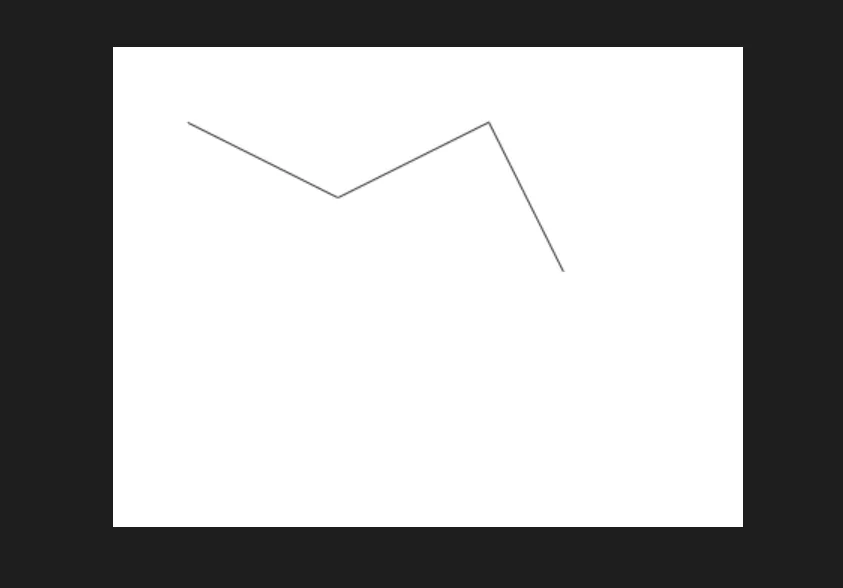
We can use the set_y_invert method to set whether the Y-axis is inverted (to control the drawing direction of the line chart):
line.set_y_invert(True)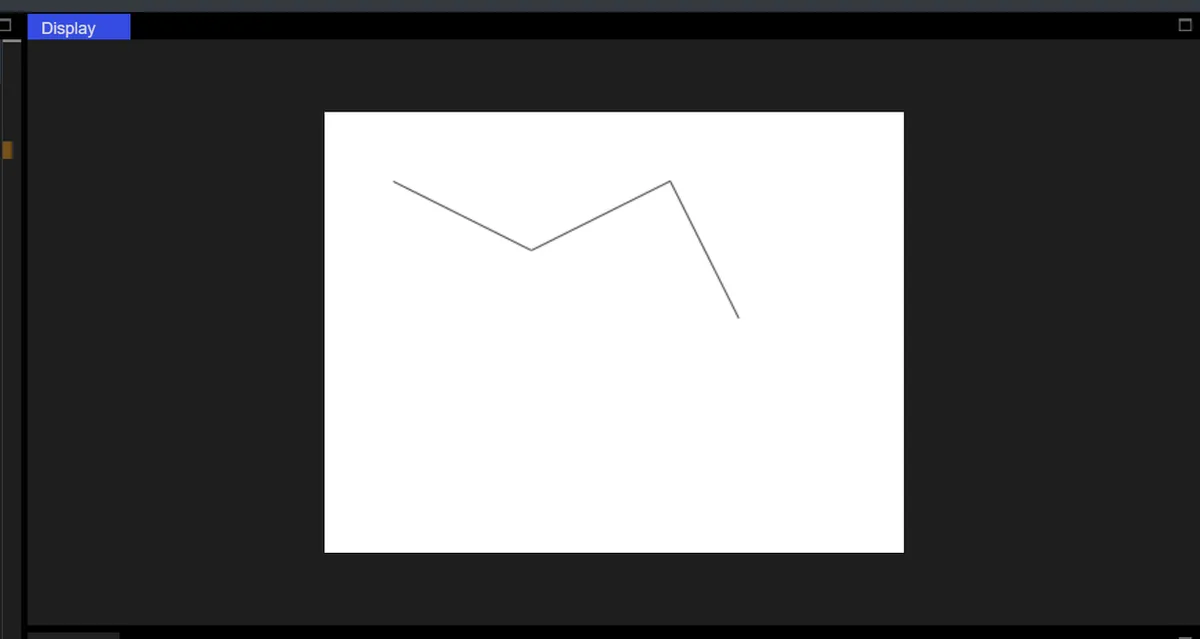
Version Record
Version Number | Modifier | Time | Content |
v1.0 | Li Zisheng | 2026/03/23 | Initialize the document. |