Contents
Abstract:
If we want to pass objects between different programming languages, we must serialize the objects into a standard format, such as serialized Web objects in formats like XML, YAML, and JSON. Such serialized Web objects are easy to interact with other programming languages, highly readable, and can be readily transmitted to other systems or Clients.
Original Link:
Previous Recommendations:
You who are learning embedded systems still don't know Object Oriented? ?!
More exciting content can be found here:
Speed Up Your Python: A Quick Guide to Python Parallel Computing
A Complete Guide to Debugging Principles of CM3 Microcontrollers
The "Secret Martial Arts Manual" for Computer Science Competitions
Avnet ZUBoard 1CG Development Board — A New Choice for Deep learning
Deploy SenseCraft Model to Grove Vision AI V2 Image Processing Module
Document and Code Access:
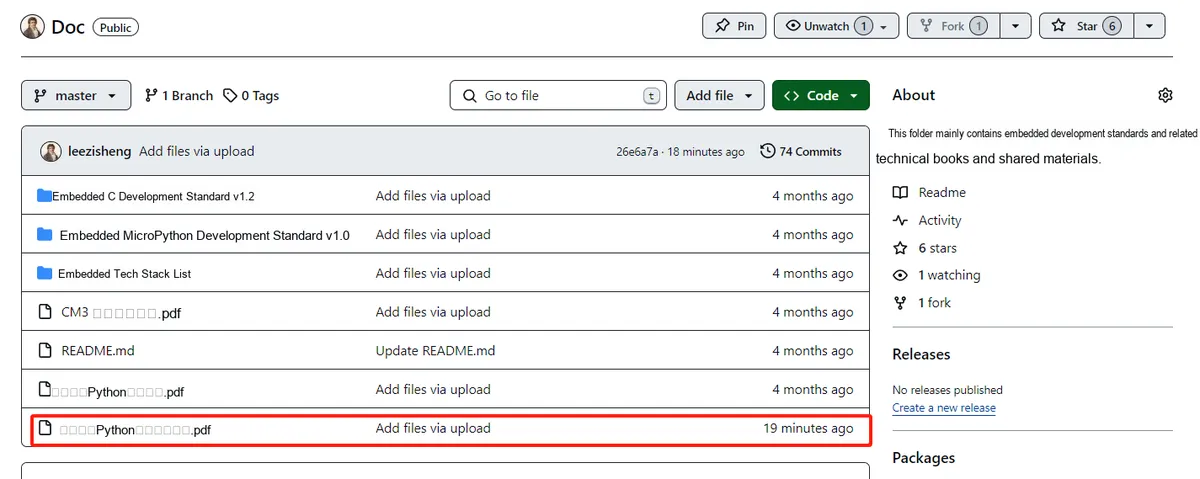
You can download the document via the following link:
https://github.com/leezisheng/Doc
This document mainly introduces how to use Python for Object Oriented programming, and requires readers to have a basic understanding of Python syntax and microcontroller development. Compared with other blogs or books that explain Python Object Oriented programming, this document is more detailed and focuses on embedded host computer applications, taking the common serial port data transmission and reception, data processing, dynamic graph drawing and other functions between the host computer and the slave computer as application examples. Meanwhile, it uses the Sourcetrail code software to visualize the code for reading, so as to facilitate readers' understanding.
The link to obtain the relevant sample code is as follows:
https://github.com/leezisheng/Python-OOP-Demo
Body Text
Serialize Web objects
If we want to pass objects between different programming languages, we must serialize the objects into a standard format, such as serialized Web objects in formats like XML, YAML, and JSON. Such serialized Web objects are easy to interact with other programming languages, highly readable, and can be readily transmitted to other systems or Clients.
In Python, the most commonly used serialized Web object is the yaml file for environment configuration. Anaconda can manage different environment configurations. When we want to share our own environment configuration with others, we can generate a yaml file, so that others can quickly import the yaml file to build an environment identical to ours to run the code.
We can use the following command in the command line to generate a yaml file:
conda env export > environment.yml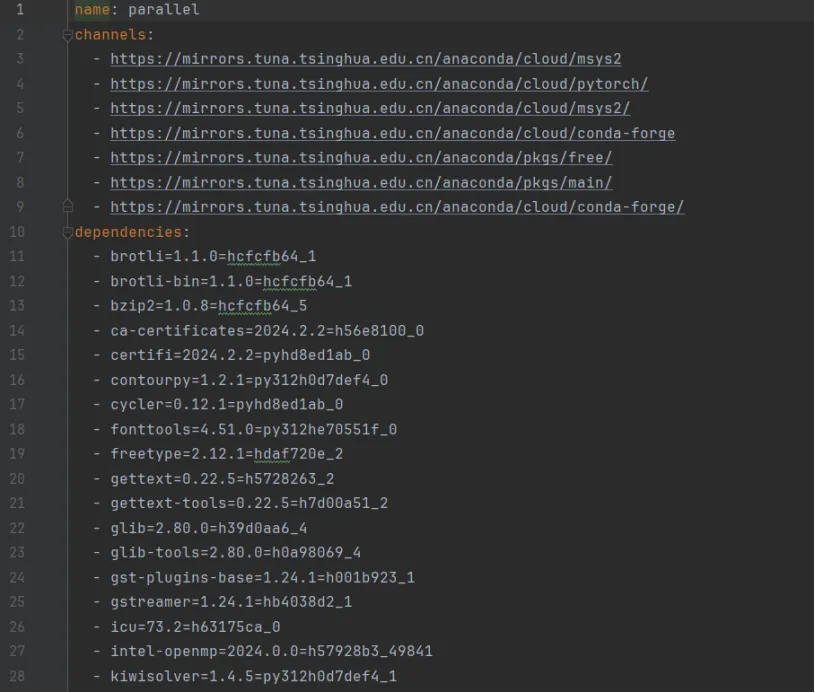
Implementing serialization of Web objects using JSON
JavaScript Object Notation (JSON) is a human-readable format for storing basic data types. As a standard format, JSON can be parsed by a wide variety of Client systems, which makes it highly suitable for data transmission between completely disparate systems. Furthermore, JSON does not support any executable code — only data can be serialized — making it far more difficult to embed malicious code within it.Due to its characteristic of being easily parsed by JavaScript engines, JSON format is often used for data transmission between Web servers and browsers with JavaScript capabilities. If the server side of a Web application is written in Python, it is necessary to convert internal data into JSON format to ensure data compatibility and versatility.
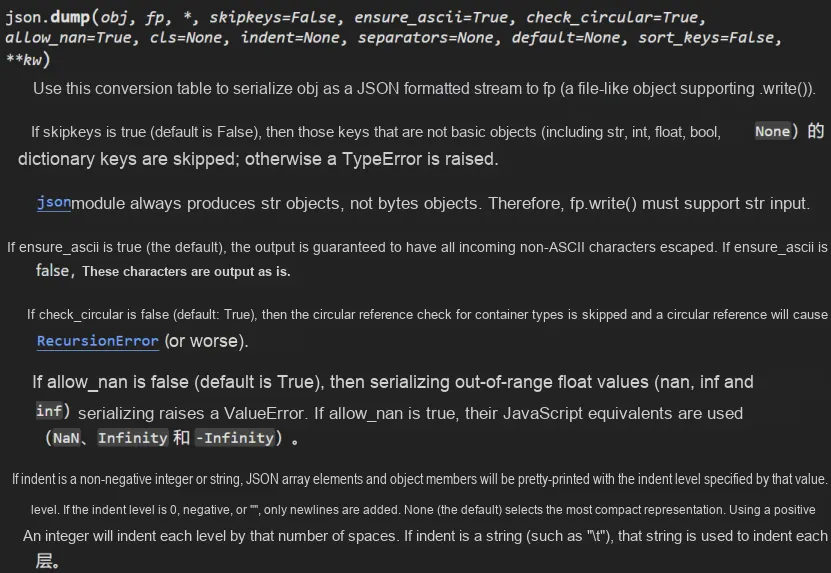
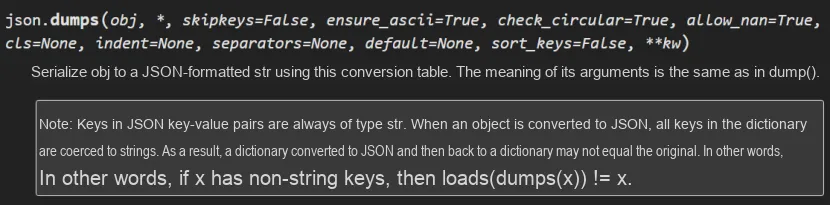
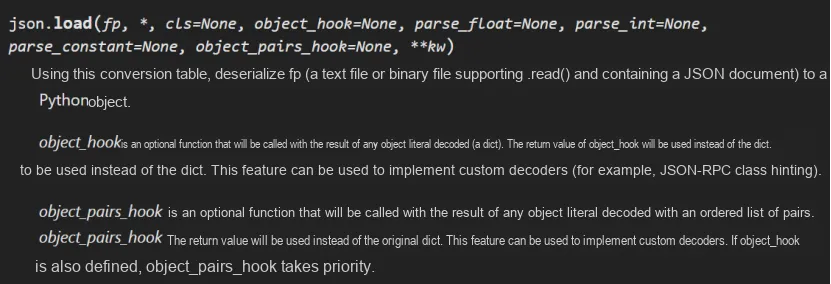
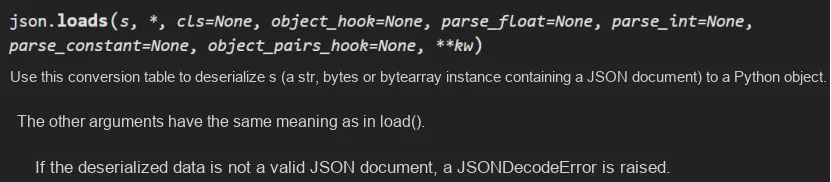
We can use the json module in Python to generate JSON files. Similar to pickle, this module also provides four functions: dumps (), dump (), loads (), and load (), but the output result is in JSON format. Additionally, the json functions operate on str objects rather than bytes. Therefore, when outputting or loading, we need to create files in text mode instead of binary mode. JSON can only serialize basic types such as integers, floating-point numbers, and strings, as well as simple containers like dictionaries and lists.All of these map directly to the JSON format, however JSON cannot represent classes, methods, or function. It is not possible to transmit complete objects in this format. Since the recipient is not typically a Python object, it cannot interpret classes or methods in the same way that Python does.
import json

# List of personnel information
humaninfodic={
    'age'   : 18,
    'name'  : True,
    'gender': 10,
    'email' : 11.1,
}

# Serialize to a file
with open('test.json', 'w') as fp:
    json.dump(humaninfodic, fp, indent=4)

# Deserialize the contents of the file
with open('test.json', 'r') as fp:
    dic = json.load(fp)
    print(dic)
The running results are as follows:
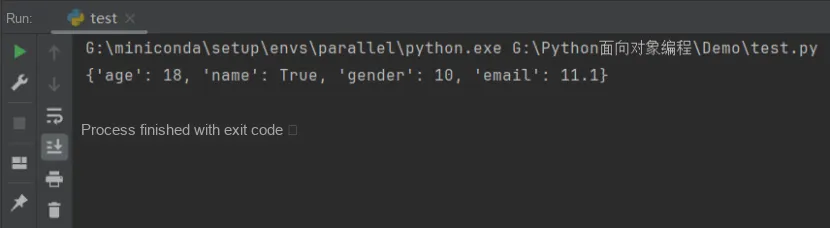
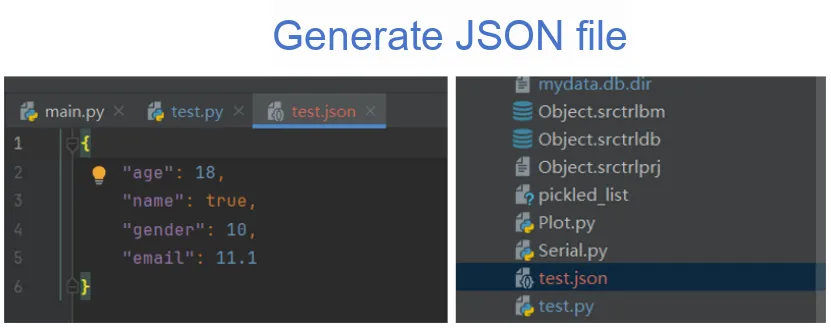
Here, it should be noted that when non-string valued keys in a Python dictionary are converted to JSON strings, they will all be converted to lowercase strings: for example, True will be mapped to true, False will be mapped to false, and None will be mapped to null; meanwhile, tuples in Python will be converted to the array type during serialization, but when deserializing, the array type will be converted to the list type in Python.
The correspondence between JSON and Python's built-in data types is as follows:
JSON Type | Python Types |
{} | dict |
[] | list |
"string" | str |
1234.56 | int or float |
true/false | True/False |
null | None |
If the object you want to serialize only contains data, you can directly serialize the __dict__ attribute of the object. Alternatively, for specific objects, we can also create or parse JSON serialization dictionaries through custom code.
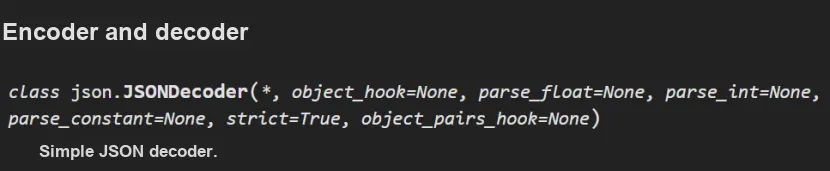

In the json module, both the object serialization and deserialization features provide an optional parameter for executing specific custom operations. Specifically, dump and dumps methods accept a keyword argument named cls (short for "class", as it is a reserved keyword in Python). When this parameter is passed, it must be a subclass of JSONEncoder that has overridden the default method. This method is designed to accept an object of any type as a parameter and convert it into a dictionary type that json can handle.If you encounter an object type that you do not know how to handle during the processing, you can call the super () method to enable the object to be serialized in a normal way, that is, to be serialized as a basic type.
Similarly, load and loads methods also accept a parameter named cls, which is a subclass of JSONDecoder. Normally, passing a function via the object_hook keyword is sufficient. This function is tasked with receiving a dictionary as an argument and returning an object. If it encounters a dictionary it does not know how to handle during processing, it can choose to return it directly without any modification. This design allows users to handle various complex data types more flexibly and conveniently when parsing JSON data.
import json

# Define the contact class
class Contact:
    def __init__(self, first, last):
        # Attribute 1, first name is the given name
        self.first = first
        # Attribute 2, last name is the family name
        self.last = last
    @property
    def full_name(self):
        return("{} {}".format(self.first, self.last))

# Custom serialization encoder class
class ContactEncoder(json.JSONEncoder):
    # The default method checks the type of the object we want to serialize
    def default(self, obj):
        # If it is a contact class, we manually convert it to a dictionary
        if isinstance(obj, Contact):
            return {
                    # An extra attribute is passed to indicate this is a contact object
                    # Because there is no other way to know its type after loading
                    'is_contact': True,
                    'first': obj.first,
                    'last': obj.last,
                    'full': obj.full_name}
        # Otherwise, let its parent class handle serialization (assuming it is a basic type, which json knows how to handle)
        return super().default(obj)

# Define a JSON file decoder function
def decode_contact(dic):
    # Write a function that takes a dictionary as its parameter
    # Check whether the is_contact variable is present to decide whether to convert it to a contact
    if dic.get('is_contact'):
        return Contact(dic['first'], dic['last'])
    else:
        return dic

if __name__ == '__main__':
    c = Contact("John", "Smith")
    data = json.dumps(c, cls=ContactEncoder)
    print(data)
    c = json.loads(data, object_hook=decode_contact)
    print(c.full_name)
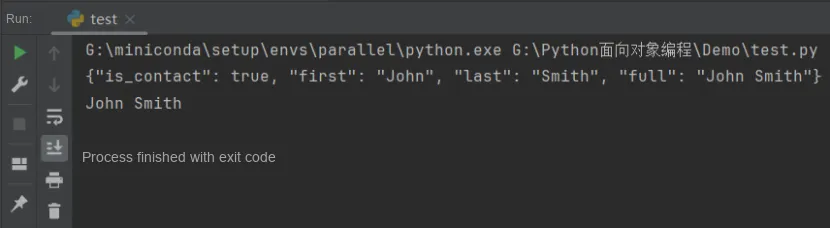
The running results are as follows:
Implementing Serialization of Web Objects Using XML
In today's software development field, XML, as a flexible and powerful markup language, has been widely used in multiple scenarios such as data storage, configuration management, and network transmission. Its extensibility and self-describing nature make it an ideal format for data exchange between different systems and platforms.
XML stands for Extensible Markup Language, which is a set of rules for defining semantic tags that divide a document into numerous components and identify those components. It is designed for transmitting and storing data, rather than for presenting or displaying data. It is also a meta-markup language, that is, a syntactic language that defines the rules for creating other semantic, structured markup languages related to specific domains.
Below we list an example of an xml file:
<?xml version="1.0" encoding="utf-8"?>
<catalog>
    <maxid>4</maxid>
    <login username="pytest" passwd='123456'>
        <caption>Python</caption>
        <item id="4">
            <caption>Test</caption>
        </item>
    </login>
    <item id="2">
        <caption>Zope</caption>
    </item>
</catalog>
The file in the above XML format contains a root element named "catalog". Under the root element, there is a child element named "maxid" with a value of "4". This is followed by a child element named "login", which contains two child elements: one is a child element named "caption" with a value of "Python"; the other is a child element named "item" whose id attribute value is "4", and it contains a child element named "caption" with a value of "Test". Finally, there is also a child element named "item" whose id attribute value is "2", and it contains a child element named "caption" with a value of "Zope".
The part enclosed in angle brackets, "<tag>", is a tag. Tags must appear in pairs: if there is an opening tag, there must be a corresponding closing tag. For example, "<name>" is an opening tag, and "</name>" is a closing tag.
A basic XML document structure consists of the following parts:
Structural Component | Function |
Declaration Section | Located at the very beginning of a document, it declares the version and encoding of XML. For example: <? xml version="1.0" encoding="UTF-8"? >. |
root element | Every XML document has a root element that contains all the other elements. |
child element | The root element can contain multiple child elements inside it, and child elements can be nested to form a tree-like structure. |
Attribute | Elements can have attributes, which provide additional information about the elements. |
Text content | An element can contain text content. |
As a concise and powerful programming language, Python provides a rich set of libraries for processing XML data, making it simple and efficient to parse, modify, and create XML documents. Python offers three methods for parsing XML: SAX, DOM, and ElementTree.
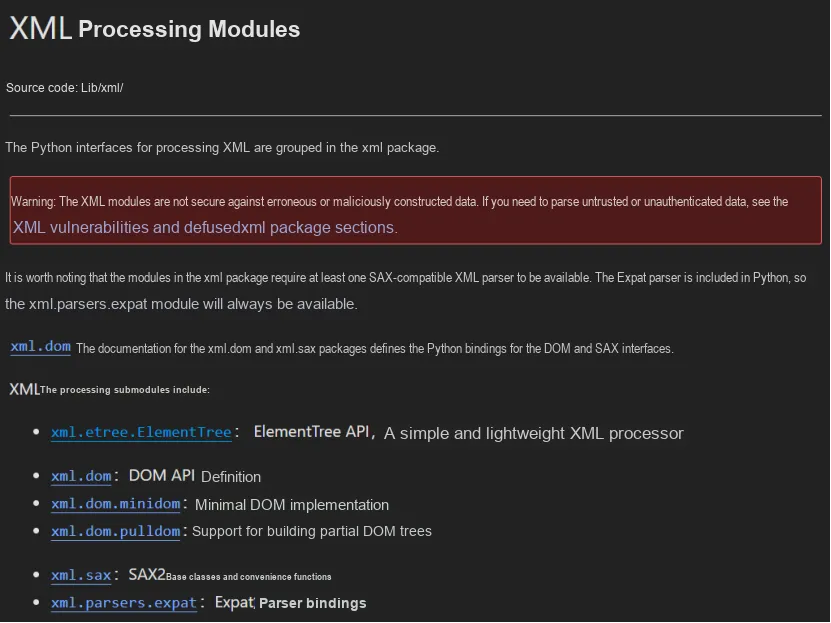
Among them, xml.etree.ElementTree (referred to as ET) provides a lightweight Pythonic approach to processing XML data. ET allows users to easily read, modify, and create XML files. As it is part of the standard library, it can be used without additional installation, making it a convenient choice for handling XML data.
For the ElementTree library, common usage operations include parsing XML documents, obtaining the root element, traversing child elements, reading the tags, text and attributes of elements, as well as how to obtain or delete specific elements as needed, and saving the modified XML document.
Here, the XML file is only for reference and will not be elaborated on in detail.
Implementing Serialization of Web Objects Using YAML
While XML files are powerful, they are generally not very easy to read due to the nature of its markup language. Conversely, XML excels in complex projects that require fine-grained control over validation, schemas, and namespaces. In contrast, YAML focuses on data formatting, presenting content in the form of readable code, and its inline style is quite similar to JSON. YAML is designed to provide a more intuitive and readable data representation to meet the needs of different scenarios.
YAML, as a highly human-friendly data serialization language, can be seamlessly integrated with current mainstream programming languages. Its name "YAML" is a recursive abbreviation of "YAML Ain't a Markup Language", a naming that not only reflects its uniqueness but also highlights its distinctive design philosophy.
YAML has a syntax structure similar to that of other high-level languages, which can easily represent various data forms such as lists, hash tables, and scalars. It ingeniously uses whitespace characters for indentation and heavily relies on visual features to demonstrate the hierarchical relationships of data structures. This design makes YAML particularly suitable for scenarios including editing data structures, writing various configuration files, printing debugging information, and presenting document outlines.
In addition, YAML configuration files usually use ". yml" as the file suffix, and this naming convention helps users quickly identify and manage YAML files.
Its basic syntax rules are as follows:
(1) Case-sensitive;
(2) Use indentation to indicate hierarchical relationships;
(3) When indenting, the Tab key is not allowed; only spaces are permitted.
(4) The number of indentation spaces is not important, as long as elements at the same level are aligned on the left side.
There are three types of data structures supported by YAML:
(1) Object: A collection of Attribute–Value Pairs, also known as mapping / hashes / dictionary;
(2) Array: a set of values arranged in order, also known as a sequence / list;
(3) Scalars: individual values that cannot be further divided.
In Python, there are multiple libraries available for parsing and generating YAML data, among which PyYAML is the most commonly used one.
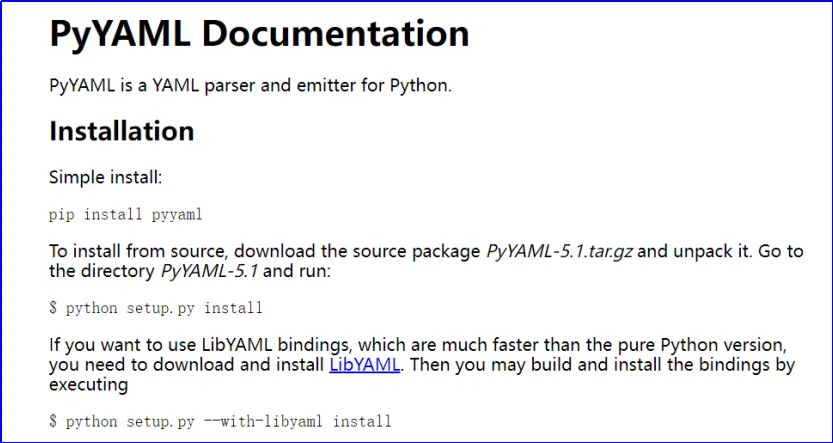
Here, we will briefly explain the syntax of YAML files by taking the following YAML configuration file named config.yaml as an example:
# Configuration file example

# Server configuration
server:
  host: localhost
  port: 8080

# Database configuration
database:
  type: MySQL
  host: 127.0.0.1
  port: 3306
  username: root
  password: password

# Logging
logging:
  level: info
  file: app.log

# Application configuration
app:
  debug: true
  log_level: info
Here, this file uses the hash symbol (#) to denote comments, indentation to indicate hierarchical relationships, and a colon (:) to separate keys and values.
This YAML file consists of the following sections:
(1) Server configuration: including the host name and Port Number;
(2) Database configuration: including database type, host name, Port Number, username and password;
(3) Logging: including log level and log file path;
(4) Application configuration: including whether to enable debug mode and the log level.
Both XML and YAML files have certain complex features that, if maliciously exploited, can allow arbitrary command execution on the host machine. This is different from JSON files, which do not support any executable code and only allow data to be serialized.