Contents
Abstract:
This paper mainly introduces the definition and functions of logs as well as the logging module built into Python for log processing, and briefly explains log levels and the basic usage of the logging module.
Original Link:
Previous Recommendations:
You who are learning embedded systems still don't know Object Oriented? ?!
More exciting content can be found here:
Speed Up Your Python: A Quick Guide to Python Parallel Computing
Understand the Debugging Principle of CM3 Microcontroller in One Article
The "Secret Martial Arts Manual" for Computer Science Competitions
Document and Code Acquisition:
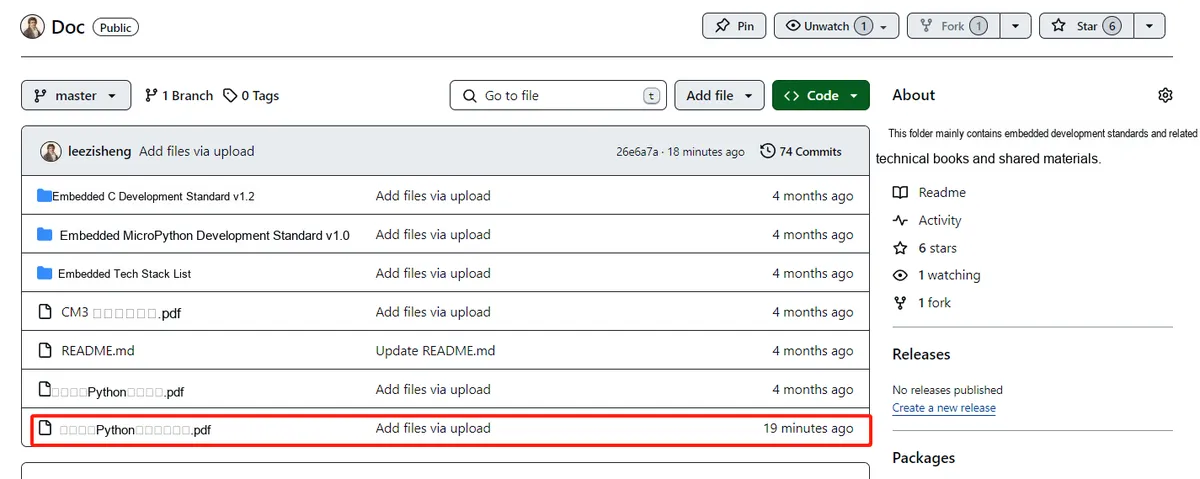
You can download the document via the following link:
https://github.com/leezisheng/Doc
This document mainly introduces how to use Python for Object Oriented programming, and requires readers to have a basic understanding of Python syntax and single-chip microcomputer development. Compared with other blogs or books that explain Python Object Oriented programming, this document is more detailed and focuses on embedded host computer applications, taking the common serial port data transmission and reception, data processing, dynamic graph drawing and other functions between the host computer and the lower computer as application examples. Meanwhile, Sourcetrail code software is used for visual reading of the code to facilitate readers' understanding.
The link to obtain the relevant sample code is as follows:
https://github.com/leezisheng/Python-OOP-Demo
Main Text
A log is information that records hardware, software, and system problems in a system, and can also monitor events occurring in the system. Users can use it to check the cause of errors and the running history of programs.
In Python 3, the logging module is built in to handle log-related operations. A log is a method for tracking events that occur during the execution of certain software. Software developers can call log recording-related methods in their code to indicate that something has happened. Through log analysis, users can easily understand the running status of systems, software or applications. The functions of logs can be briefly summarized into the following 3 points:
- ① Program debugging;
- ② Understand the running status of the software program to check whether it is operating normally;
- ③ Analysis of software program operation faults and problem locating.
The logging module defines the following default log levels to distinguish the severity of events:
- ①DEBUG | Most detailed log information, typically used for problem diagnosis;
- ②INFO | Its verbosity level is second only to DEBUG, and it usually only records key node information to confirm that everything is working as we expected;
- ③WARNING | Information recorded when certain unexpected events occur (e. g., low available disk space), while the application is still running normally;
- ④ERROR | Information recorded when certain functions fail to operate properly due to a more serious issue;
- ⑤CRITICAL | Information logged when a critical error occurs that prevents the application from continuing to run.
Log priority: CRITICAL > ERROR > WARNING > INFO > DEBUG. When the log level is set to a certain level, logs at levels lower than that level will not be output. For example, if the log level is set to INFO, logs at the DEBUG level will not be output.
Here, we set the log level to DEBUG and use the logging.info method to output debug information.
At this point, the debug information is output from the terminal and can also be saved as a log file:
# Configure the log output target file and the log format
LOG_FORMAT = "%(asctime)s - %(levelname)s - %(message)s"
logging.basicConfig(filename='my.log', level=logging.DEBUG, format=LOG_FORMAT)