
4.4 Transform
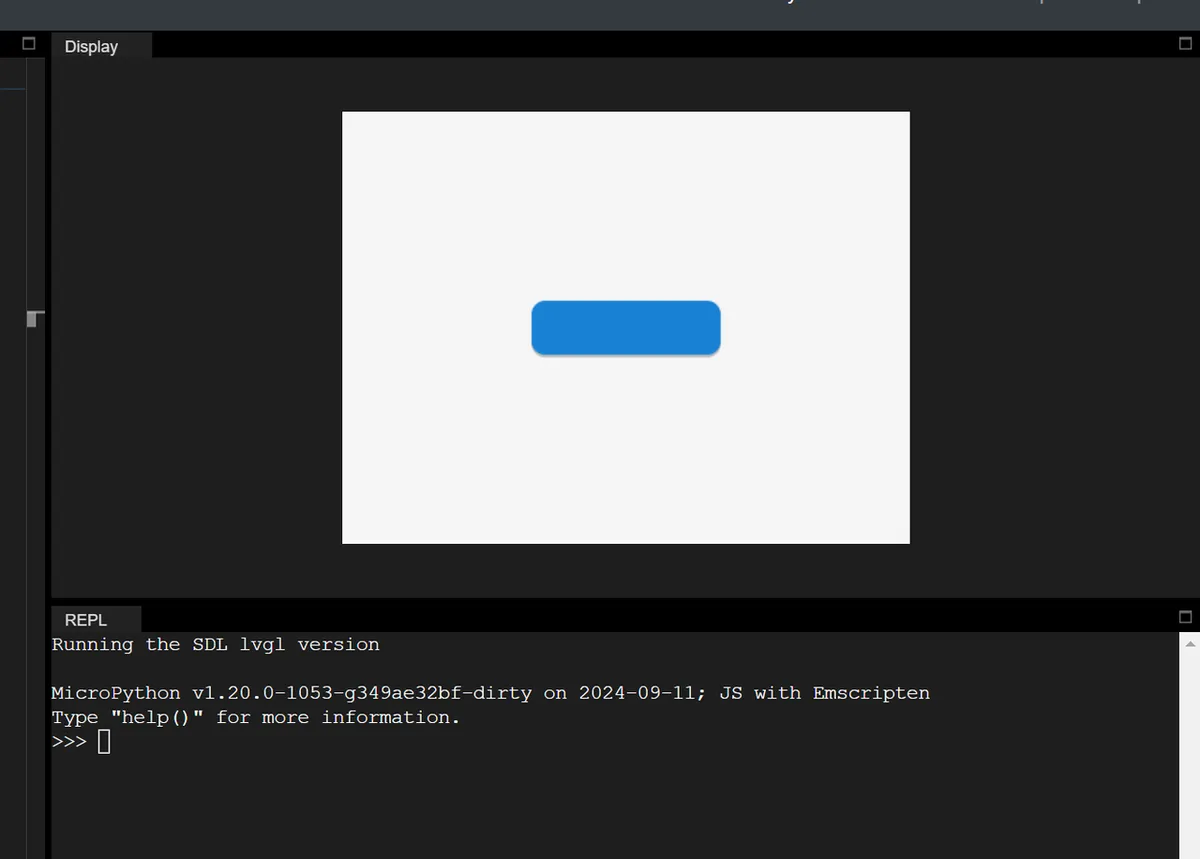
"Visual scaling" based on the object's current size only changes the display effect, without affecting the actual size (the layout, scroll bars, and content Self-Adaptation will not perceive it). mpy example (enlarge when the button is pressed):
# Initialize

import display_driver
import lvgl as lv

# Create a button with a label

lv.init()
scr = lv.screen_active()

btn = lv.button(scr)
btn.align(lv.ALIGN.CENTER, 0, 0)

# 1. Create the default state style
style_normal = lv.style_t()
style_normal.init()
style_normal.set_width(100)  # Default width 100 pixels

# 2. Create the pressed state style
style_pressed = lv.style_t()
style_pressed.init()
style_pressed.set_width(120)  # Width 120 pixels when pressed
# Expand width/height outward by 10 pixels each (visually +20 in width, +20 in height)
style_pressed.set_transform_width(10)
style_pressed.set_transform_height(10)

# 3. Add styles to the button
btn.add_style(style_normal, lv.STATE.DEFAULT)
btn.add_style(style_pressed, lv.STATE.PRESSED)

lv.screen_load(scr)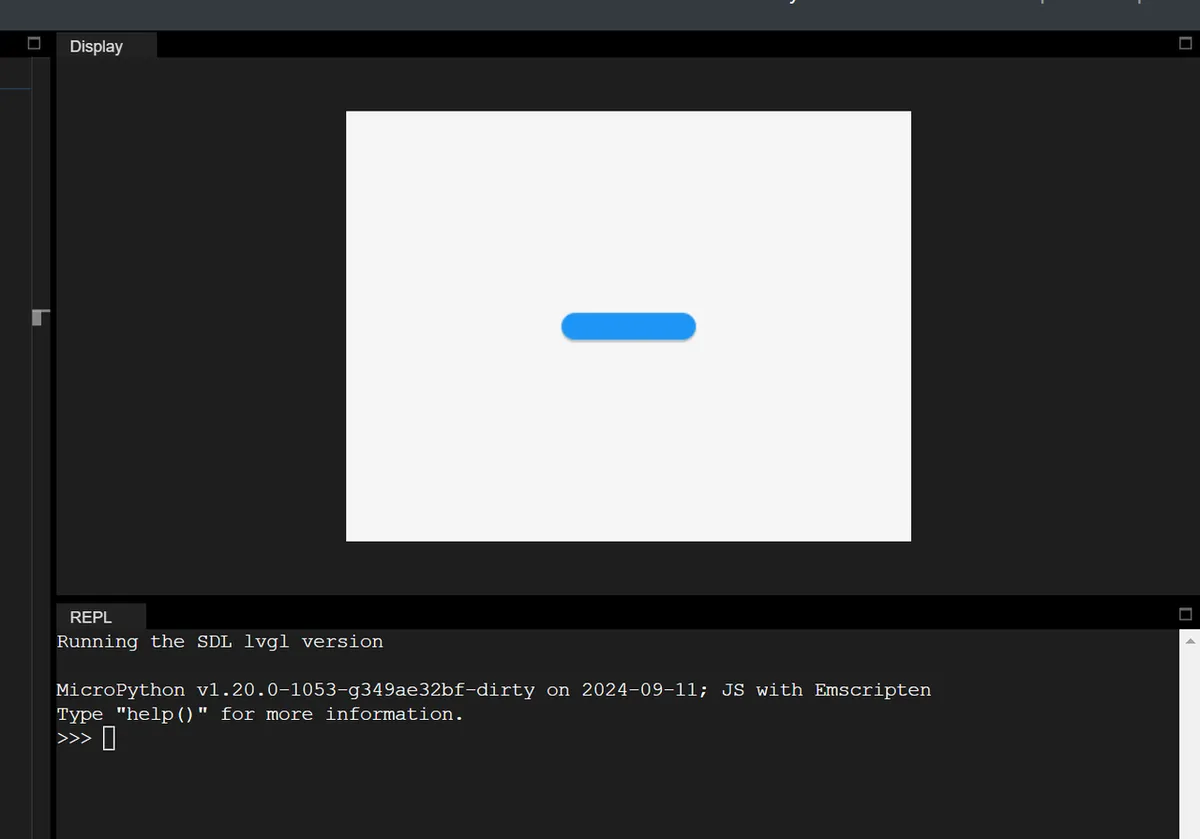
| Feature | Translation | Transformation |
|---|---|---|
| Position / size | Changes the real position | Visual scaling only; the real size is unchanged |
| Layout Impact | Affects layout / scrollbar | Does not affect layout / scrollbar |
| Purpose | Position offset during interaction | Visual scaling during interaction (no layout interference) |
Version Record
Version Number | Modifier | Time | Content |
v1.0 | Li Zisheng | 2026/03/24 | Initialize the document. |