
4.3 Translation
It uses the "relative offset" based on the object's current position to solve the problem that "objects with different initial positions will offset by the same distance during interaction"(for example, a button moves upward when pressed). Here is an mpy example:
# Initialize

import display_driver
import lvgl as lv

# Create a button with a label

lv.init()
scr = lv.screen_active()

btn = lv.button(scr)
btn.align(lv.ALIGN.CENTER, 0, 0)

# 1. Create the default state style
style_normal = lv.style_t()
style_normal.init()
style_normal.set_width(100)  # Default width 100 pixels

# 2. Create the pressed state style
style_pressed = lv.style_t()
style_pressed.init()
style_pressed.set_width(120)  # Width 120 pixels when pressed
# Create the pressed state style, set y-axis translation to -20 pixels (move up 20)
style_pressed.set_translate_y(-20)

# 3. Add styles to the button
btn.add_style(style_normal, lv.STATE.DEFAULT)
btn.add_style(style_pressed, lv.STATE.PRESSED)

lv.screen_load(scr)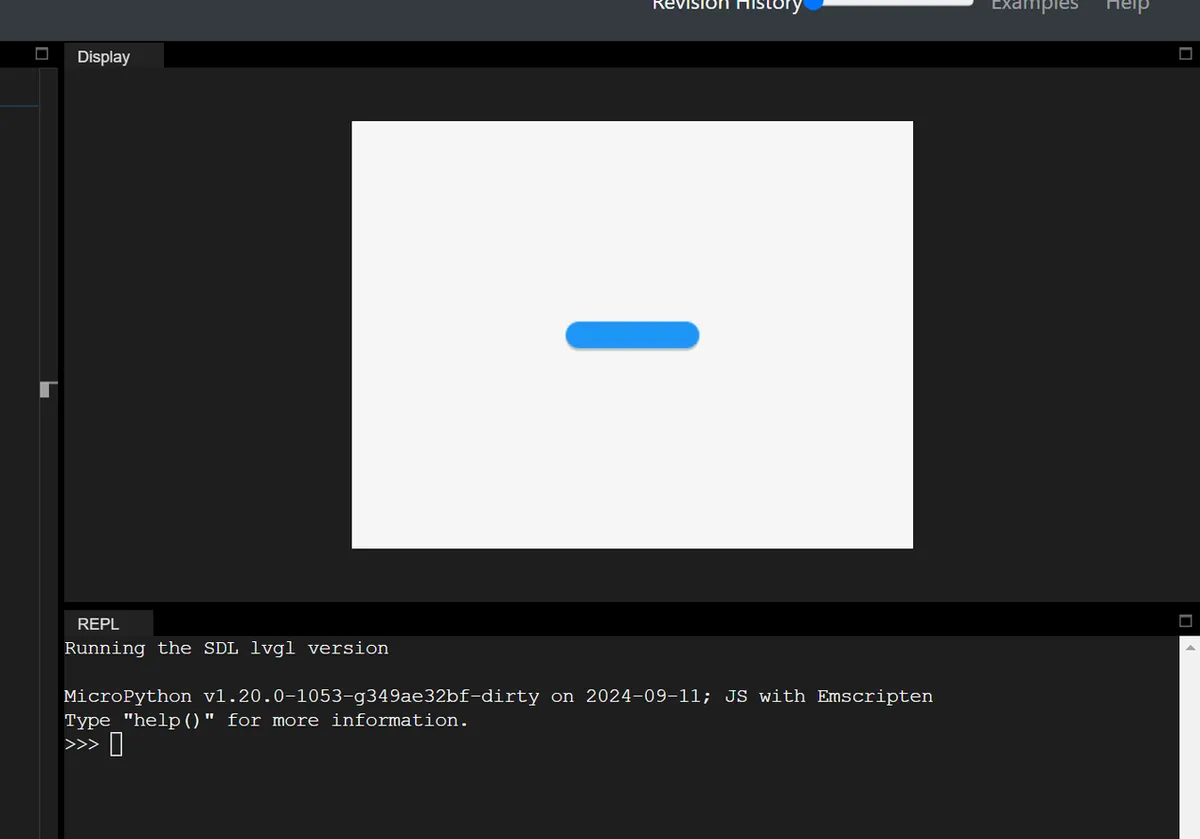
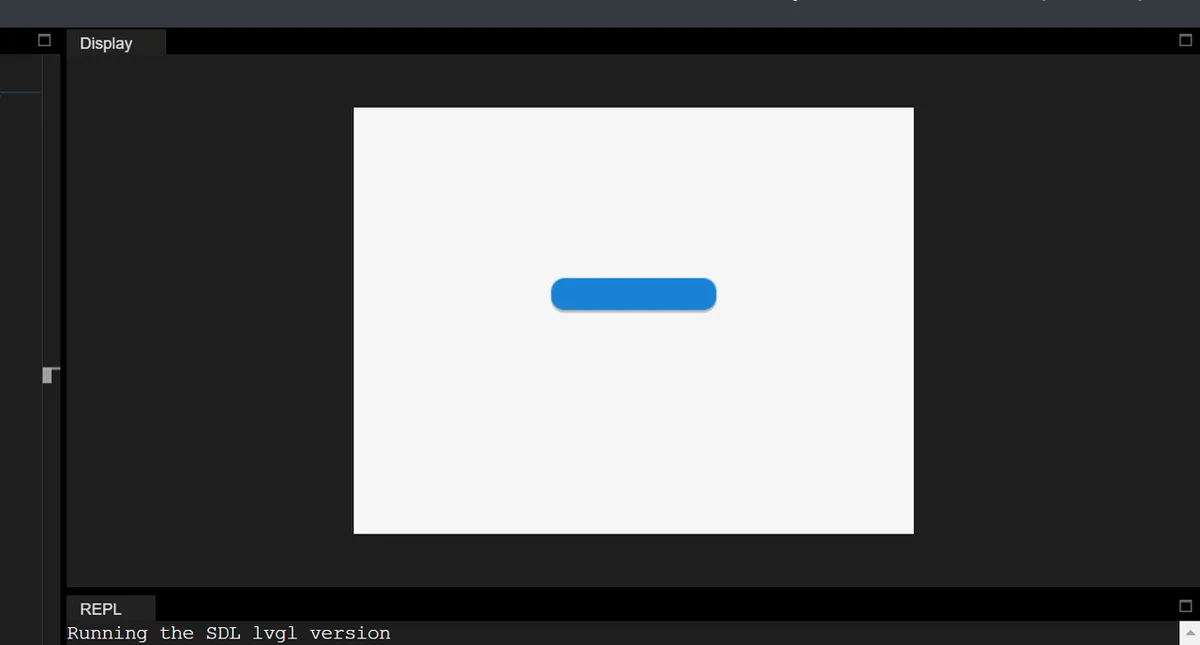
In addition, there are two key features:
- Percentage Support: The percentage for translation is based on the object's own dimensions (not the parent object). For example,
set_translate_x (lv.pct (50))→ shifts the object 50% of its own width to the right; - Layout Compatibility: The translation takes effect after layout calculation, which does not affect the layout, but will trigger the recalculation of scrollbars / content Self-Adaptation (actually changing the position).
Version Record
Version Number | Modifier | Time | Content |
v1.0 | Li Zisheng | 2026/03/24 | Initialize the document. |