
Sample Code:
import display_driver
import lvgl as lv

lv.init()

#Get the currently active screen object
scr = lv.screen_active()
#Set the screen background color to black
scr.set_style_bg_color(lv.color_hex(0x000000), 0)

#Create a button matrix
btnm = lv.buttonmatrix(scr)
#Set 3 buttons
btnm_map = ["A1", "A2", "A3"]
btnm.set_map(btnm_map)
#Center it
btnm.center()

#Interaction callback function
def btnm_event_cb(e):
    #Get the index of the clicked button
    pressed_btn = btnm.get_selected_button()
    if pressed_btn != -1:
        #Get the text of the button at the corresponding index
        text_btn = btnm.get_button_text(pressed_btn)
        print(f"Button {text_btn} is clicked")  # Only this line is modified, output in English only
#Register the interaction callback function. For more states see the "class EVENT" section of api.py
btnm.add_event_cb(btnm_event_cb, lv.EVENT.CLICKED, None)

# Load the screen
lv.screen_load(scr)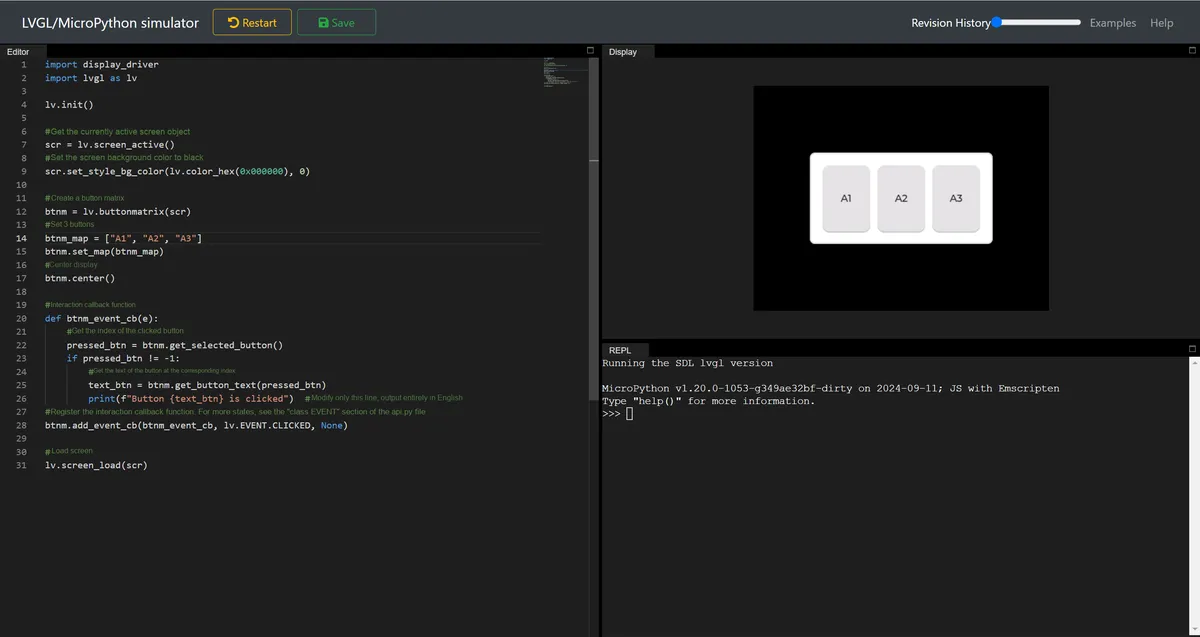
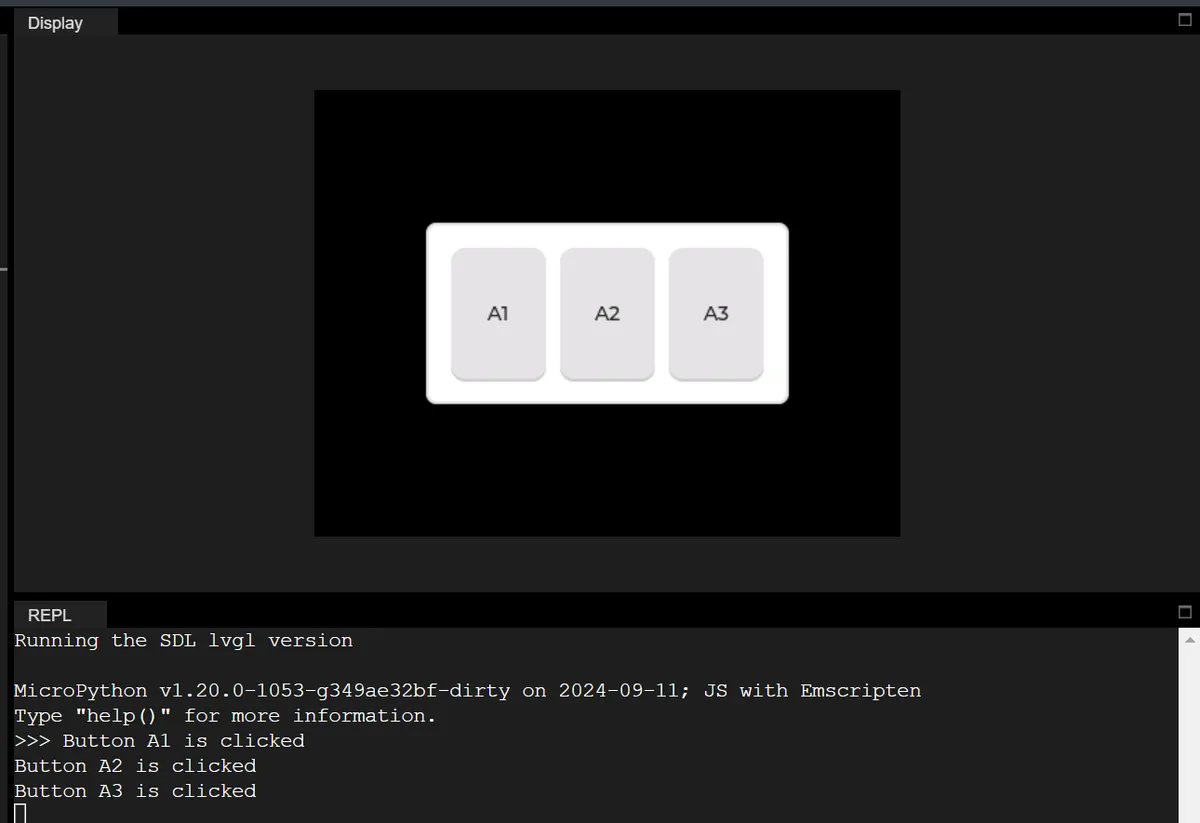
First, initialize the LVGL core engine, obtain the currently active screen object and set its background color to black. Next, create a matrix button control containing three buttons "A1", "A2" and "A3" and make it displayed centered on the screen. Bind a click event callback function to this matrix button: when any button is clicked, acquire the index and corresponding text of the clicked button, and print a fully English button click prompt in the Console (e. g., "Button A1 is clicked"). Finally, load the screen to complete the rendering of the entire interface.
Version Record
Version Number | Modifier | Time | Content |
v1.0 | Li Zisheng | 2026/03/23 | Initialize the document. |