Contents
Abstract:
This article provides a basic introduction to the definition of type annotations and the reasons for using them, and also gives a basic explanation of implementing type hints and type checks with the typing module. By using type annotations, developers can have a clearer understanding of the expected types of functions and variables.
Source Link:
Previous Recommendations:
You who are learning embedded systems still don't know Object Oriented? ?!
More exciting content can be found here:
Speed Up Your Python: A Quick Guide to Python Parallel Computing
Understand the Debugging Principle of CM3 Microcontroller in One Article
The "Secret Martial Arts Manual" for Computer Science Competitions
Access to Documents and Code
You can access the following link to download the document:
https://github.com/leezisheng/Doc
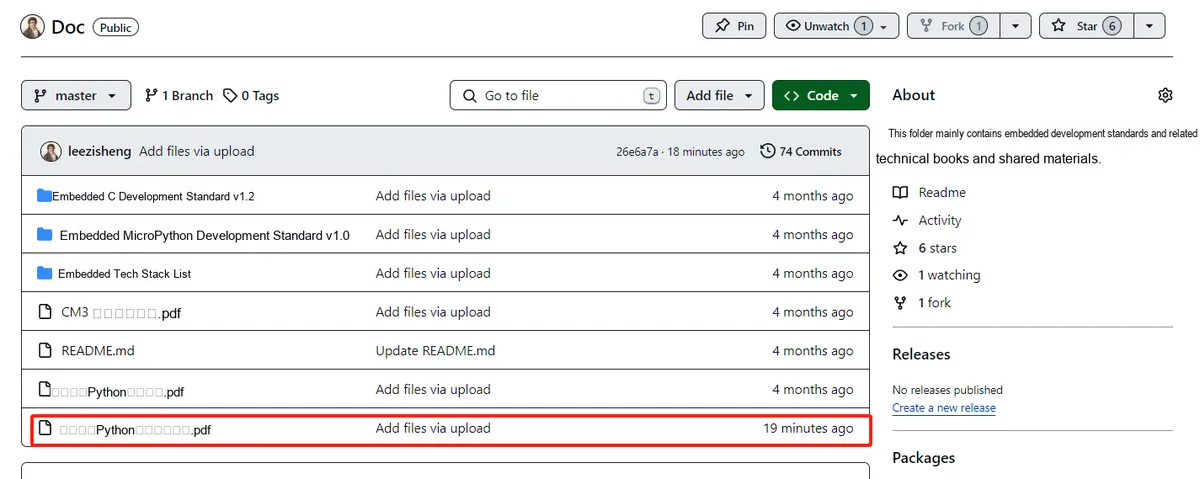
This document mainly introduces how to use Python for Object Oriented programming, and requires readers to have a basic understanding of Python syntax and microcontroller development. Compared with other blogs or books that explain Python Object Oriented programming, this document is more detailed and focuses on embedded host computer applications. It takes the common serial port data transmission and reception, data processing, dynamic graph drawing and other functions between the host computer and the lower computer as application examples, and uses the Sourcetrail code software to visually read the code to facilitate readers' understanding.
The link to obtain the relevant sample code is as follows: https://github.com/leezisheng/Python-OOP-Demo
Body Text
As we all know, Python is a dynamic language. When we define a variable, its data type can change at any time. Similarly, when we define a function or a class, we cannot enforce a specific data type for the incoming variables. With type annotations, we can implement type hints and type checking, allowing developers to have a clearer understanding of the expected types of functions and variables.
For embedded engineers who regularly use C/C++, Python function calls can be somewhat of a headache. Python is a dynamically typed language, and its notable feature is that you do not need to explicitly declare the type of a variable when you declare it. Although most of the time you don't have to worry about troublesome things like type declarations and type conversions, and can pull off all kinds of neat tricks with very little code, when you are programming collaboratively with other team members, you don't want your function to be passed parameters of the wrong type and cause unnecessary trouble.
In this case, we can use type annotations in Python to avoid such problems. Their function is to allow you to explicitly declare the type of a variable, so that the code will not be so arbitrary (running wild). For specific operations, you can refer to the official documentation:
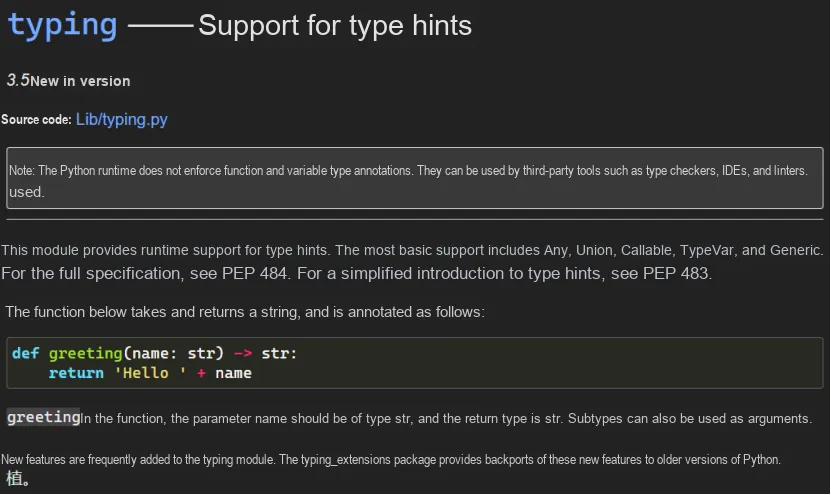
The typing module brings type hinting and type checking capabilities to Python. It allows developers to add type annotations to their code, improving code readability and maintainability. The typing module provides a variety of built-in type aliases, such as List, Tuple, Dict, etc. , which can be used to annotate the expected types of variables and functions. We can annotate function parameters and return values via the typing module.
In the initialization method of the Serial class in our code (you can refer to the previous article for the class definition), the type annotation is used as follows:
def __init__(self,
                 devport:str     = "COM17",
                 devbaudrate:int = 115200,
                 devbytesize:int = serial.EIGHTBITS,
                 devparity  :str = serial.PARITY_NONE,
                 devstopbits:int = serial.STOPBITS_ONE):
                 pass
At this point, type annotations provide editors with the opportunity to perform type checking, but it should be noted that they only serve as hints and will not have any impact on the execution of Python programs. In other words, Python remains as flexible as ever; even if you assign an incorrect type, the program can still run as long as it does not directly trigger an error.
Here, we assign a value to devport using an incorrect type, and we can see that PyCharm gives a prompt:

Then, how can we make the program prompt and accurately locate the line of code where the error occurs when we assign a wrong type to a function? These will be covered in the exception classes later.