
The terminal on your laptop can send text to the board, and the board prints it back to its console. That is a useful milestone. But when you replace the terminal with an application, or press Send several times quickly, the program may receive several commands together, or only the beginning of one.
For a small team connecting a sensor, a control panel or a desktop application to a hardware prototype, the distinction matters: a serial connection transports bytes. Your program still needs a rule for deciding which bytes form one meaningful message.
We ran two UART experiments on our bench that show the difference clearly. The first exchanges text with a PC; the second waits for readable data using select.poll(). The console logs captured both a grouped text read and a single-byte event. This note uses those observations to plan a better next test. Neither experiment implements a complete device protocol.
Establish which connection carries the application data
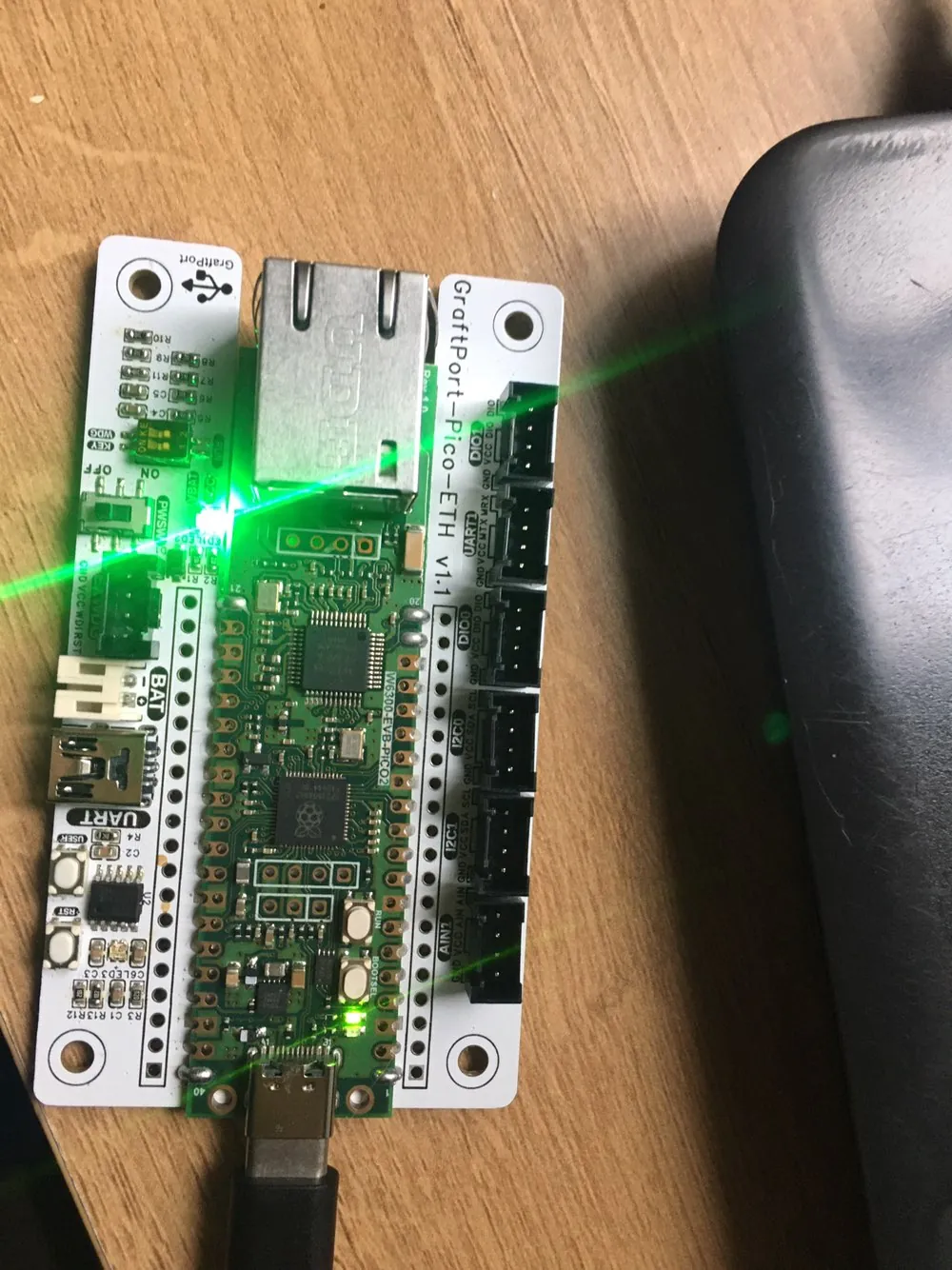
The test traffic used the carrier's USB-to-UART connection. The program configured UART0 with GP0 for transmit and GP1 for receive. A separate terminal window showed the MicroPython console. These are different roles, even though both appear as serial ports on the computer.
For the first experiment, the board and the PC serial terminal used 115200 baud, eight data bits, no parity and one stop bit. Select the USB serial adapter's port on your own computer; connecting to the board's programming console does not connect you to this UART0 data path.
Once the port was open and the program running, the terminal received the board's repeated Hello, UART! text. That tests the board-to-computer direction before the operator sends anything back.
Read the result, not just the function name
The board program checks uart.any(), then calls uart.readline(). It prints the returned bytes and a UTF-8 interpretation, flashes the LED and increments a counter. Sending Hello,Pico! from the terminal produced 11 available bytes, the bytes b'Hello,Pico!' and the decoded text.
That looks like one send becoming one read. The next capture shows why it is not a rule. One returned value contained three copies of Hello,Pico! together, with 33 available bytes reported. The receive counter went from seven to eight, not from seven to ten, because the program counts passes through its receiving branch, not distinct application messages.
The terminal's "send newline" option was not selected. A function called readline() cannot add a boundary the sender did not transmit. The MicroPython 1.23 UART documentation also allows a line read to return early on timeout. Receiving some bytes does not establish that a complete line, command or sensor record has arrived.
Timing makes this more likely. The program waits 100 ms during each main-loop pass and, after receiving data, spends another 600 ms showing the LED on and off. Incoming bytes accumulate while the foreground program waits. Those delays make a demonstration visible, but they are no basis for assuming each read corresponds to one click of Send.
The program deliberately stops its receive loop after ten receiving passes, prints "Stop Program Running" and enters a continuous LED-blink routine. That end state is part of the demonstration. It is not a disconnected cable or a UART failure.
Waiting for readable data is a different job from recognizing a message
The second experiment changes the structure. It uses UART0 at 9600 baud and registers the UART with a polling object. poll(50) waits for an event or returns after the timeout, and the program reads one byte when a readable event is present.
The console printed an event value of 1 and the byte b'a'. That is evidence that data became available and the program read it. The empty event lists between sends mean no event was returned during those waits. They do not mean the application validated a message or detected a cable disconnection.
The receive-readiness setup is short:
# Readiness setup, not a complete message parser.
poller = select.poll()
poller.register(uart, select.POLLIN)
events = poller.poll(50)
This follows the MicroPython select API. It leaves POLLERR and POLLHUP out of the registration mask: those are unsolicited conditions, not requested readiness flags. Where a stream supports them, the application must handle them if returned. Naming them in code does not make a physical UART cable report that it was unplugged.
The program appends received bytes to a list and clears it at 100 entries. That limits the list's length by discarding its contents. It does not parse messages, protect every receive buffer, or prove no data was lost. Keep the useful idea, checking readiness, and choose an explicit storage and overflow policy for the actual application.
Give the receiver a rule it can test
This is a recurring integration problem. In a January 2024 MicroPython discussion, a developer receiving fixed-size serial records found reads starting at different positions within the sender's messages. The discussion considered timing and ways to find frame boundaries. Its settings were specific to that sender; the broader lesson is to define the boundary rather than assume a read starts at one.
If you control both ends of a simple text interface, a line ending can provide that rule. For example, the message SET:12\n ends with a newline byte. The receiver keeps incomplete data between reads and only processes a command once its ending arrives. These are equivalent transport cases for the same two commands:
One read:    SET:12\nSET:13\n
Two reads:   SET:12\n    | SET:13\n
Split read:  SET:1       | 2\nSET:13\n
This is an illustration, not traffic we captured. A parser should produce SET:12 and SET:13 in all three cases. It also needs a maximum message length and a defined response to invalid or unfinished input. Do not let a missing newline grow a buffer indefinitely.
For an existing binary device, follow its documented frame structure instead, which might include a header, length, type and checksum. Do not decode arbitrary binary data as UTF-8 or insert your own line ending into a protocol you do not control. And a valid frame still has to be distinguished from successfully carrying out the requested operation.
Test the cases a terminal demonstration hides
Before connecting the data to a display or an actuator, try:
- several messages in one burst;
- one message split across reads;
- a pause halfway through a message;
- a sender restart.
Then run those tests while the rest of the prototype is busy. Record complete messages accepted, malformed messages rejected and any overflow, not only how often read() returned something.
That gives the team a clearer milestone: the receiver reconstructs the intended messages under defined conditions, and missing or invalid input has a visible outcome. Our two experiments establish communication and show why that step is needed. They do not include a tested parser or a sustained-throughput result.