Contents
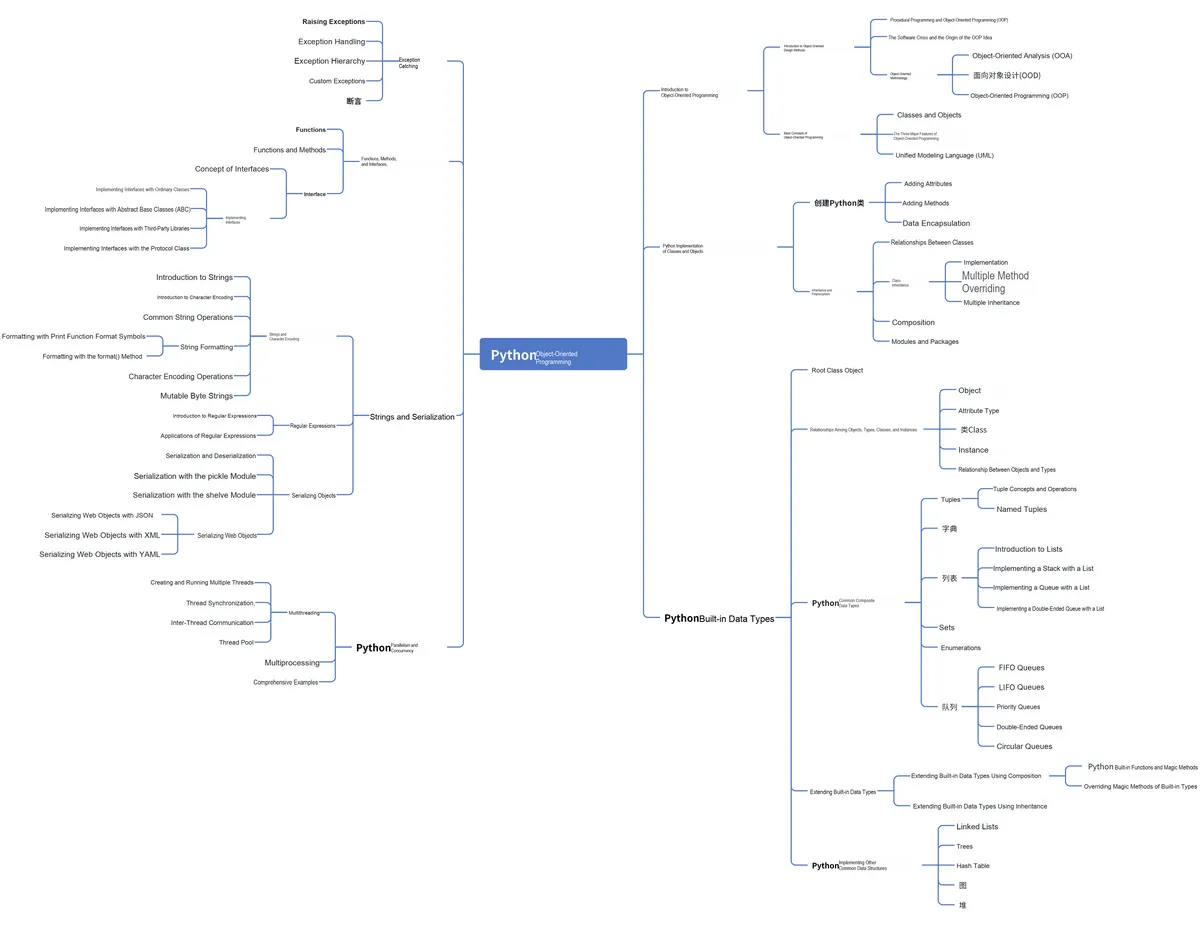
Abstract:
In Python, assertion is a commonly used debugging tool that allows programmers to write a statement to check a certain condition. This article mainly introduces the application scenarios and features of assertion as well as the usage of the assert statement, and also presents defensive programming and the help () function.
Original Link:
Previous Recommendations:
You who study embedded systems still don't know Object Oriented? ?!
For more exciting content, please check out:
Speed Up Your Python: A Quick Guide to Python Parallel Computing
Mastering the Debugging Principles of CM3 Microcontrollers in One Article
The "Secret Martial Arts Manual" for Computer Science Competitions
Document and Code Access:
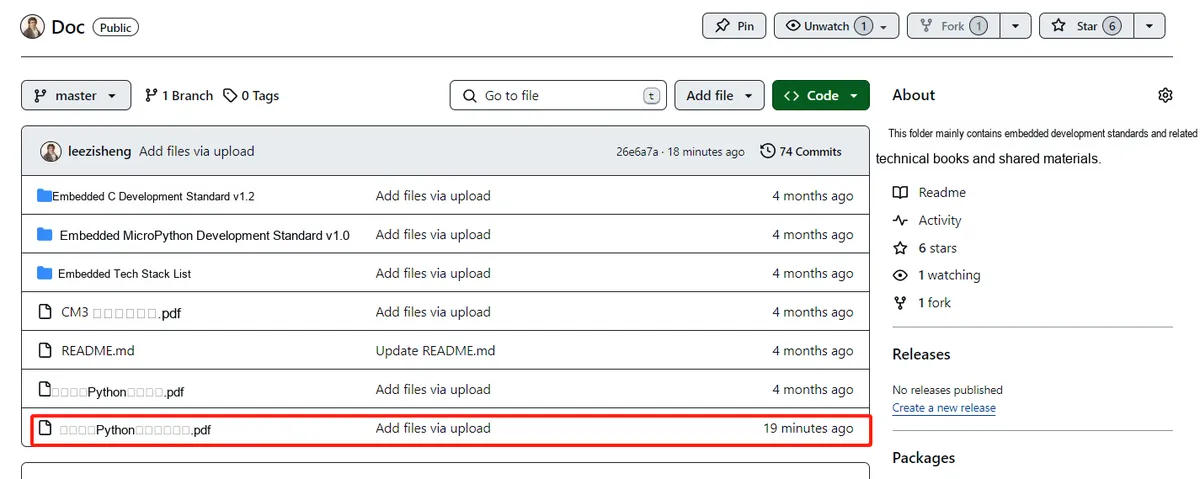
You can download the document via the following link:
https://github.com/leezisheng/Doc
This document mainly introduces how to conduct Object Oriented programming with Python, and it requires readers to have a basic understanding of Python syntax and single-chip microcomputer development. Compared with other blogs or books that explain Python Object Oriented programming, this document is more detailed and focuses on embedded host computer applications. It takes the common serial port data transmission and reception, data processing, dynamic graph drawing and other functions between the host computer and the slave computer as application examples, and uses the Sourcetrail code software to visually read the code to facilitate readers' understanding.
The link to obtain the relevant sample code is as follows:
https://github.com/leezisheng/Python-OOP-Demo
Body Text
assertion (assert)
In Python programming, assert, as a powerful debugging tool, is widely used in the process of code debugging and development. By inserting assert statements in the code, we can conduct strict checks on the correctness of the code. When the condition of an assert evaluates to false, the program will raise an AssertionError exception and stop execution. When the condition of an assert evaluates to true, the program will continue execution as normal, as if the assert statement had never existed. Therefore, the rational use of assert is of great significance for ensuring the quality and stability of code.
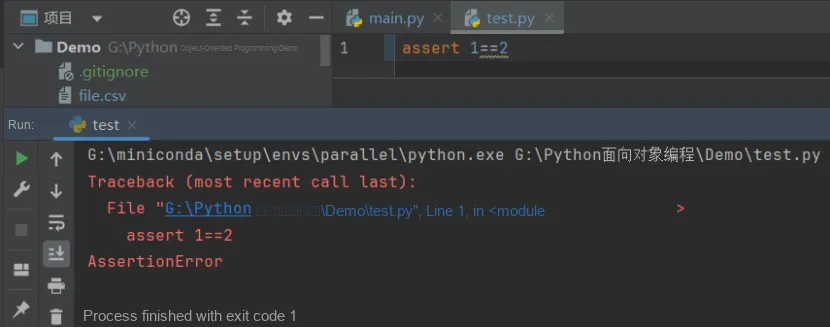
assert expression, descriptionTake the following code as an example: you can see that the result of "1== 2" is False, and an AssertionError is thrown.
Unlike exceptions, assertions are designed to alert developers that an unrecoverable error has likely occurred in the program. For certain predictable errors, such as a relevant file not being found, users can typically correct the issue on their own or retry the operation. Assertions, however, are not intended for such problems. In a bug-free program, assertion conditions will never be triggered. But if an assertion is violated, the program will crash and report an error, clearly pointing out to the developer exactly which "impossible" situation has arisen. This makes it much easier to track down and fix bugs in the program.In Python, the assert statement is an auxiliary function for debugging, rather than a mechanism for handling runtime errors. The purpose of using assertions is to help developers locate the root cause of potential bugs more quickly. Assertions will never throw an error unless there is actually a bug in the program.
Defensive Programming and the unittest Unit Test Library
Assertions are generally used in defensive programming, runtime program logic checking, contract verification, program constant validation, and document inspection; there is no need to add assertions to code that will never fail. We frequently use assertions in unit test frameworks. A unit test refers to the inspection and verification of the smallest testable unit in software, which is usually a function or a method. Unit tests help us detect errors early and improve the reliability and maintainability of code. Python has a built-in unittest unit test library that can be used to write test code.The usage of several commonly used assertions in unittest is as follows:
Name | Function |
assertEqual | If the two values are equal, then pass |
assertNotEqual | If the two values are not equal, then pass |
assertTrue | If the bool value is determined to be True, then execute pass |
assertFalse | If the bool value is determined to be False, then Pass |
assertIsNone | If it does not exist, then pass |
assertIsNotNone | If it exists, then pass |
We will cover the usage of assertions in the unittest unit test library later, so just a brief understanding here is sufficient.
When using assertions, a key point to note is that using the -o and -oo flags on the command line, or modifying the PYTHONOPTIMIZE environment variable in CPython, will globally disable assertions. In this case, all assertion statements will become invalid: the program will skip them directly without processing, and thus no conditional expressions will be executed.
In the actual development process of Python, we often encounter performance issues. The so-called performance issues refer to the fact that Python programs run relatively slowly. When encountering performance issues, we have two methods to optimize them: one is to modify the source code, optimize the logic to improve performance; the other is to enable the optimization function of the Python interpreter.
The Python interpreter provides two optimization levels:
- Level 1 optimization: The optimization effect is achieved by setting the built-in __debug__ global variable to false and removing assert statements.
- level2 optimization: In addition to the optimization measures of level1, it will also remove the documentation of the function (i. e. the ''' comment following the function).
Using the -O parameter (uppercase letter O) can achieve level 1 optimization effects, while using the -OO parameter (both are uppercase letter O) can achieve level 2 optimization effects. These optimization methods are very helpful for improving the running speed of Python programs.
python -o main.pyhelp () function
In Python, there are numerous built-in functions and modules, some of which may be inconspicuous but are extremely practical. One of them is the help () function. The help () function is used to obtain help information about Python objects, modules, functions or methods, which can help you better understand Python's features and how to use them correctly.
The basic usage of the help () function is extremely straightforward: simply enter the name of an object, module, function or method in the interactive Python interpreter, and pass it as an argument to the help () function.
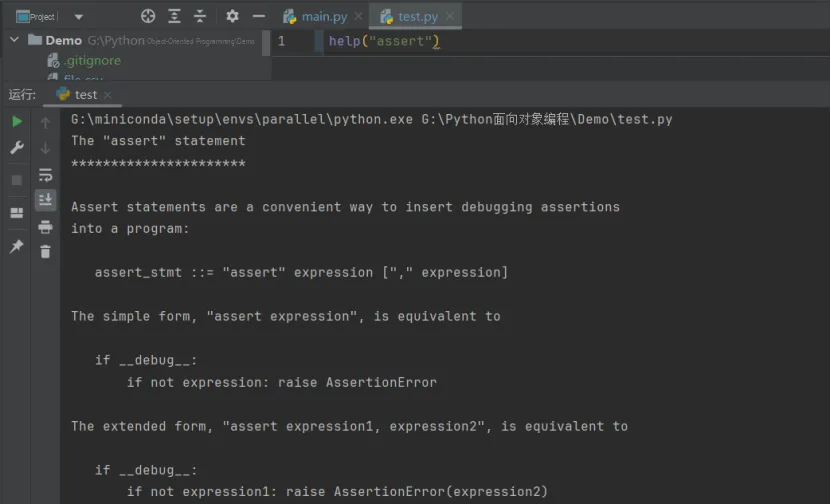
help syntax: help([object])Here, let's take a look at the help output of the assert function: