
If you are building a networked display, sensor hub or small installation, a browser is a convenient first interface. Your tester opens a page instead of installing an app. But a page that opens on your laptop can make the prototype look dead once it moves to another network.
The cause can sit outside the board. Users of unrelated products report servers reachable over mobile data but not over company Wi-Fi, which turned out to lack IPv6 connectivity. In a November 2024 AgentDVR discussion, a user reported that an IPv4 request worked while an IPv6 request was refused. These are different systems, but they raise two useful questions: can the network carry the request, and is the application listening for it?
On our bench we worked through this with a WIZnet W6300-EVB-Pico2 running MicroPython: first an IPv6 reachability test, then a small browser interface. Following those stages makes it clearer what to test before handing a prototype to someone else.
Start with the board and firmware that actually run the code
The W6300-EVB-Pico2 combines an RP2350 microcontroller with a W6300 Ethernet controller that supports IPv4 and IPv6. That is a hardware capability; the firmware and the web application still have to expose the connections you intend to use.
Our code used machine.WIZNET_PIO_SPI and network.WIZNET6K. Those names matter when choosing firmware: copying a Python file onto an arbitrary MicroPython build does not add a missing network driver. WIZnet's example repository lists supported boards and links matching firmware. Record the exact release or commit your prototype uses.
The internal QSPI link uses GP17 for clock, GP16 for chip select, GP18 to GP21 for four data lines and GP22 for reset, at a requested 31.25 MHz, matching WIZnet's board initialization example. Those are existing board connections, not spare pins for a sensor while Ethernet is running.
Our setup used DHCP and waited up to ten one-second checks for a connection. Keep that configuration in your records, but check the device's IPv6 address separately. A successful IPv4 configuration does not show the intended IPv6 path is available, and the address our bench network assigned says nothing about what yours will assign.
Test reachability before testing the page
The first IPv6 test created a TCP socket and left it listening:
sock = socket.socket(socket.AF_INET6, socket.SOCK_STREAM)
sock.bind(("::", 80))
sock.listen(1)
AF_INET6 requests an IPv6 socket. :: binds to the available local IPv6 addresses rather than one particular address. It is a listening setting, not an address anyone should type into a browser.
We then pinged the board from a Windows computer. Two groups of four requests all got replies, with no loss in either group. That is a useful observation of network reachability at that moment.
There is an easy trap here: this first test never accepts a connection or sends an HTTP response, and a browser needs that response to show a page. A successful ping is a reason to move on to the web-server test, not a substitute for it.
If a tester later cannot open the page, keep the failures separate. "The board did not get the expected address," "the client cannot reach it" and "the page request fails" lead to different investigations. Ask for the exact URL, the client network and the board's startup output before changing application code.
Give the browser a real response
Next we ran MicroFlask, a small Flask-like web framework for MicroPython by iw0 (version 0.0.20260505). Its handlers receive a request argument; it resembles Flask without being the desktop package. After the same network setup, we started it listening on :: port 80.
The browser rendered a test page with buttons for setting, reading and clearing cookies, plus streaming-response examples. That is stronger evidence than the ping: a browser received and displayed application content.
When an IPv6 address appears directly in a URL, it goes inside square brackets, followed by a port if needed. http://[2001:db8::1234]:80/ shows the syntax only; it is a documentation address, not a device to visit. The brackets separate the colons inside the address from the one before the port, as RFC 3986, section 3.2.2 defines.
Test IPv4 separately if your product needs it. The server we used picks an IPv6 socket when the host is ::, and its fallback creates an IPv4 socket without changing that host string. So this is not a demonstrated automatic dual-stack fallback, whatever the chip supports.
Use the interface examples for the job they demonstrate
The cookie test stored values in the browser and read them back: a visit counter, a sample user name, a fixed example session value and a theme. That is a practical way to explore remembered interface preferences.
It is not a login system. The session value was hard-coded, and storing a cookie does not verify who is using the device. The server also spoke plain HTTP; choosing IPv6 does not make those requests encrypted or authenticated.
The streaming example addresses a different need: showing progress while a task runs. Its progress route sent successive updates half a second apart, and the page reached 60 percent while we watched. But that percentage came from a Python loop, not from a sensor, file transfer or actuator. Before reusing the idea for a calibration tool or installation controller, connect it to real task state and check that the browser stays responsive, and the displayed state stays honest, when the operation slows, fails or the connection drops. A similar chat-stream route sent a fixed list of messages; it shows incremental delivery, nothing more.
Make the handover test match where the device will be used
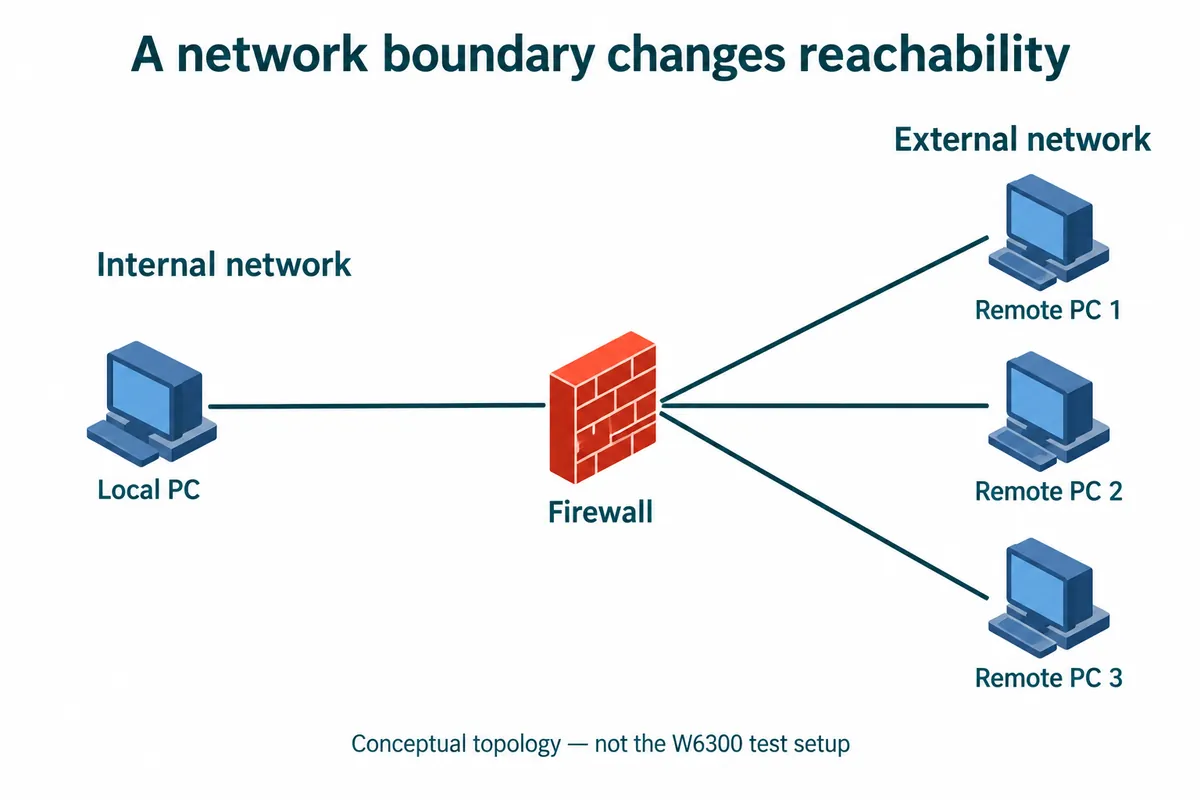
Before sending a prototype out, decide whether the page is meant for the same local network or for remote access. A laptop beside the board, a phone on guest Wi-Fi and a phone on mobile data are different test conditions. Remote access needs its own network and access-control design; it should not emerge by accident from a successful local demo.
For a first trial, record these results with the tester's own equipment:
| Test | What to record |
|---|---|
| First connection | Board firmware, assigned address, exact URL and whether the page opens |
| Intended client network | Wired LAN or the specific Wi-Fi network; mobile data separately if required |
| Protocol compatibility | IPv6 and, when required, a separate IPv4 request |
| Restart | How the tester finds the device again after power or network changes |
| A long operation | Whether another page request still works and whether status reflects the real task |
Our bench runs give working pieces to start from: network replies, a rendered page, cookies and streamed updates. The next milestone is a tester finding and using the page in the agreed environment without the developer beside them.