
Suppose your team has an interactive exhibit working on a laptop. A sensor changes a value, your Python code picks a response, and a light tells the visitor what happened. Now you want that behavior in a small standalone object. MicroPython may let you keep much of the familiar programming style, but moving to a microcontroller changes what the program can rely on.
The useful question is whether the board can run the parts your prototype actually needs: its sensor driver, its feedback, its communication and its busiest moment. In a 2023 MicroPython community question, a builder hit allocation failures as a program grew and wondered whether program length was the limit. That is a better starting point than a blanket claim that Python is either too slow or fine for everything. This note lays out a small, decisive trial to run before committing the whole prototype to a platform.
Three parts to the decision
Your application defines the behavior: when to read the sensor, what a button does and which feedback appears. MicroPython firmware provides the interpreter and the modules that connect that code to the board. The microcontroller provides the processor, memory and physical interfaces.
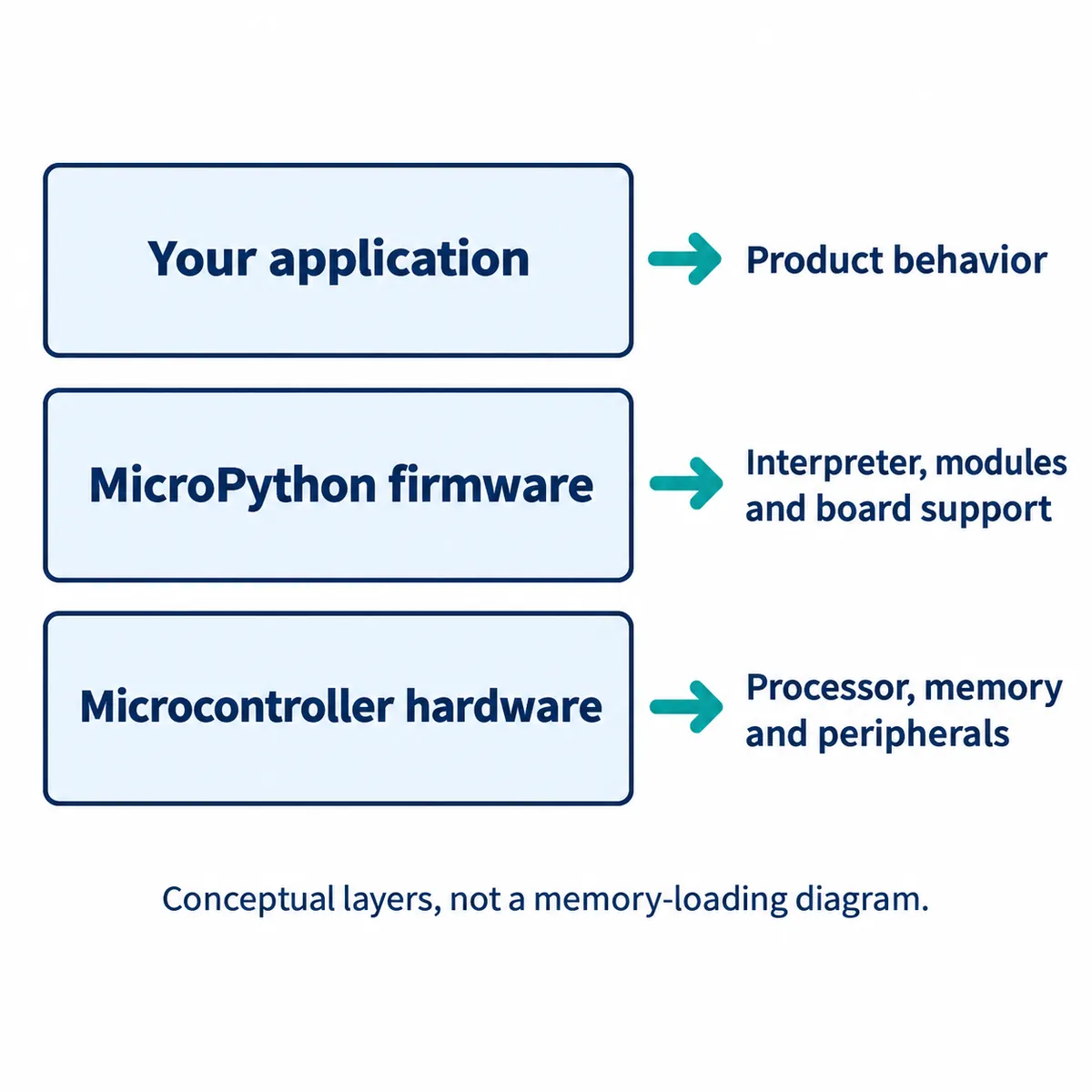
Changing a threshold in Python is an application change. A feature the installed firmware does not expose may need a different firmware build or native code. A peripheral the board cannot connect to electrically is a hardware problem. Keeping these apart helps a small team ask for the right work.
For the exhibit example, start with a short list: the sensor interface, the number of buttons, the kind of light or display, any connection to another device, and what must happen after power returns. Choose a board and firmware against that list. "It uses an ESP32" or "it supports MicroPython" does not establish that every required feature is there.
Keep the board revision, firmware file and version with the project. MicroPython documentation covers both released versions and the latest development branch, and an API shown in the latter may not exist in the firmware on your board.
Familiar Python does not bring every desktop dependency along
Small pieces of application logic reuse well. A rule that maps a sensor value to one of three states moves off the computer far more easily than a program that depends on desktop graphics, a large data-analysis library or operating-system services.
Inventory your imports before moving the program. For each one, check whether your target firmware includes the module, whether a suitable MicroPython library exists, and whether the functions you call behave the same. The official compatibility notes document differences in language features, types and modules; similar names do not mean full compatibility.
Keep the data-processing rule independent of the hardware driver. Let a small adapter obtain a sensor value and pass it to the rule. Then you can check the rule with known inputs on the computer and test the sensor separately on the board. You still need to test them together, but failures become easier to locate.
If an essential library only works in desktop Python, you have a real design choice: replace a small part of it, keep the heavy work on a computer or Linux-based device, or choose a different software platform. Make that comparison before an enclosure and custom board make the choice expensive to revisit.
Check the hardware functions the application will call
Common hardware access lives in the machine module: pins, analog inputs, PWM, serial buses, timers and other peripherals. Check the machine documentation alongside your board's own reference.
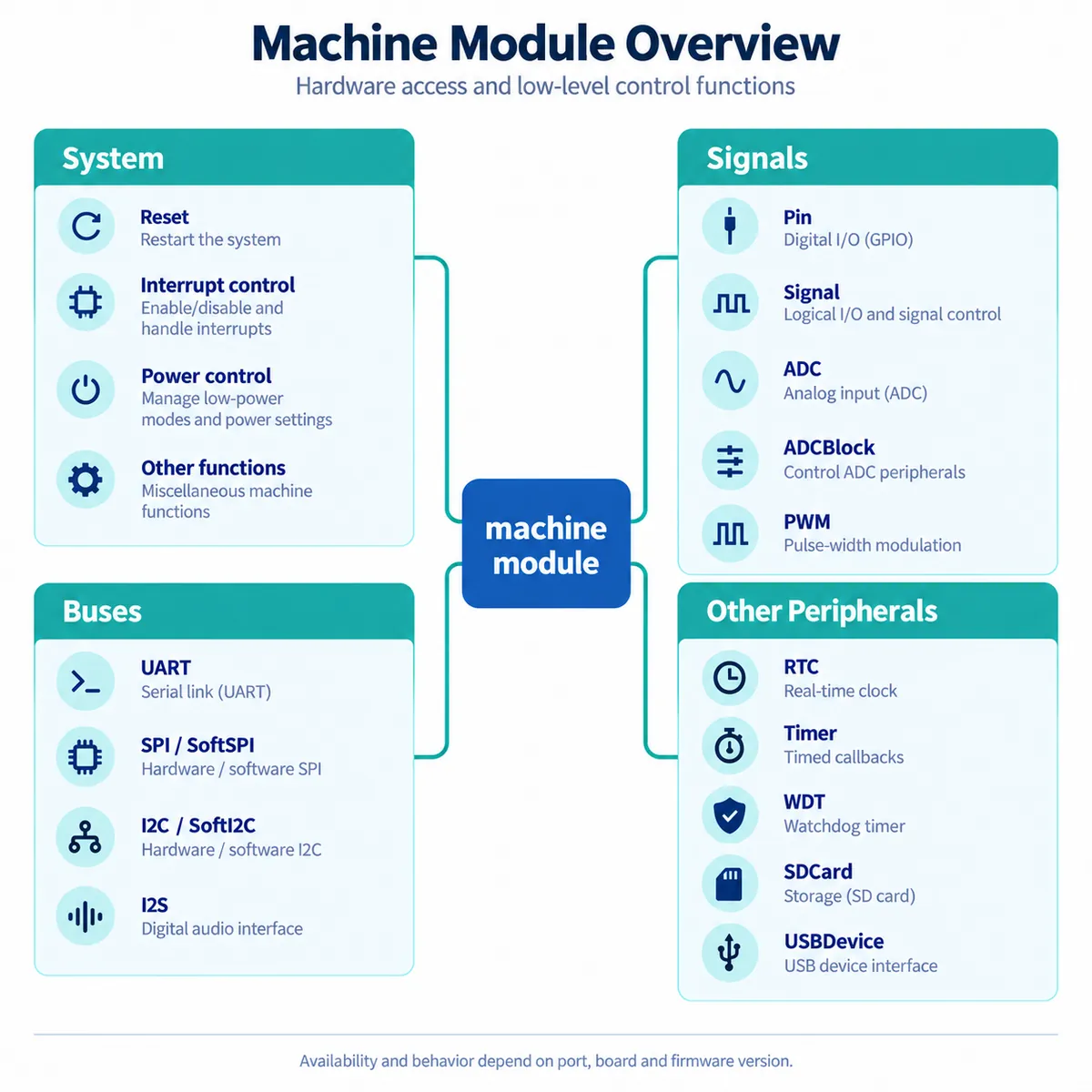
Finding I2C in the documentation is only the first step. You still need to know which pins can use it, whether the sensor's electrical levels match, whether a driver exists and whether it works alongside the display. Test the intended combination on one board, not each feature on a different one.
Some modules deliberately expose one processor family. The rp2 module offers programmable I/O, flash access and DMA. They are useful, but code built on them commits you to that hardware, and a later move to another microcontroller may need a different implementation.
The same thinking applies when comparing MicroPython with CircuitPython, which emphasizes approachable editing on supported hardware. Compare them on the actual board, the libraries you need and who will maintain the prototype. Do not assume drivers and APIs carry over unchanged.
Measure the behavior that matters to the visitor
A useful trial is one complete action: a visitor presses the button while the sensor is updating, and the correct feedback appears. Decide what would feel late or confusing in that setting, then measure the busy part of the program with the real peripherals connected. A small timing wrapper is enough to start:
import time

def timed(label, function):
    def measured(*args, **kwargs):
        start = time.ticks_us()
        result = function(*args, **kwargs)
        elapsed = time.ticks_diff(time.ticks_us(), start)
        print(label, elapsed, "us")
        return result
    return measured
Wrap a function your application already defines, and repeat the measurement during the busiest realistic operation, not just after startup. Frequent console output can itself disturb the application, and function timing does not cover the full delay from a physical press to a visible response; check that separately. We are not reporting timing results here, only the method.
The MicroPython performance guide starts by locating the slow section and improving the Python before reaching for specialized execution options. For the prototype, the question is whether one operation needs attention or the whole workload exceeds the platform.
Check memory while the whole prototype is running
Storage and working memory solve different problems. More flash or an SD card gives room for files; it does not give the interpreter more RAM for objects, buffers and imports. The MicroPython guide to constrained systems separates memory used while importing code from memory used while running it. On builds that provide them, these calls give a quick reading:
import gc

gc.collect()
print("Allocated:", gc.mem_alloc())
print("Free:", gc.mem_free())
Take readings before and after initialization and across repeated application cycles. They are clues, not a guarantee that the next large allocation will succeed: fragmentation and memory outside the managed heap also matter. Garbage collection frees unreachable objects; it cannot discard data your program still holds. Load the real display assets, open the intended connection and run the interaction repeatedly. An isolated sensor demo leaves out the memory the rest of the experience uses.
Precompiled .mpy files can reduce the work and memory needed at import, but they do not supply missing desktop APIs. Match them to the target runtime and, where relevant, the native architecture, as the .mpy reference describes. Treat compilation as a deployment technique, not a way to keep code secret.
Decide what needs engineering before the next prototype
If the complete interaction works with acceptable timing and memory margin, MicroPython can stay a candidate for the next build. Keep a reproducible copy of the firmware, application, drivers and setup notes so a colleague can recreate the behavior on a second board without guessing.
If one part is too demanding, name it precisely. A missing sensor interface, a slow processing routine and a display that uses too much memory point to different changes. MicroPython's internals and extension documentation covers native modules and porting; that is an available route, not a sign that every project needs a custom interpreter.
Before handing over a build, keep the license notices for the interpreter and every added library. MicroPython's project license does not set the terms for unrelated drivers, images or example code, so record those sources with the files you actually ship.